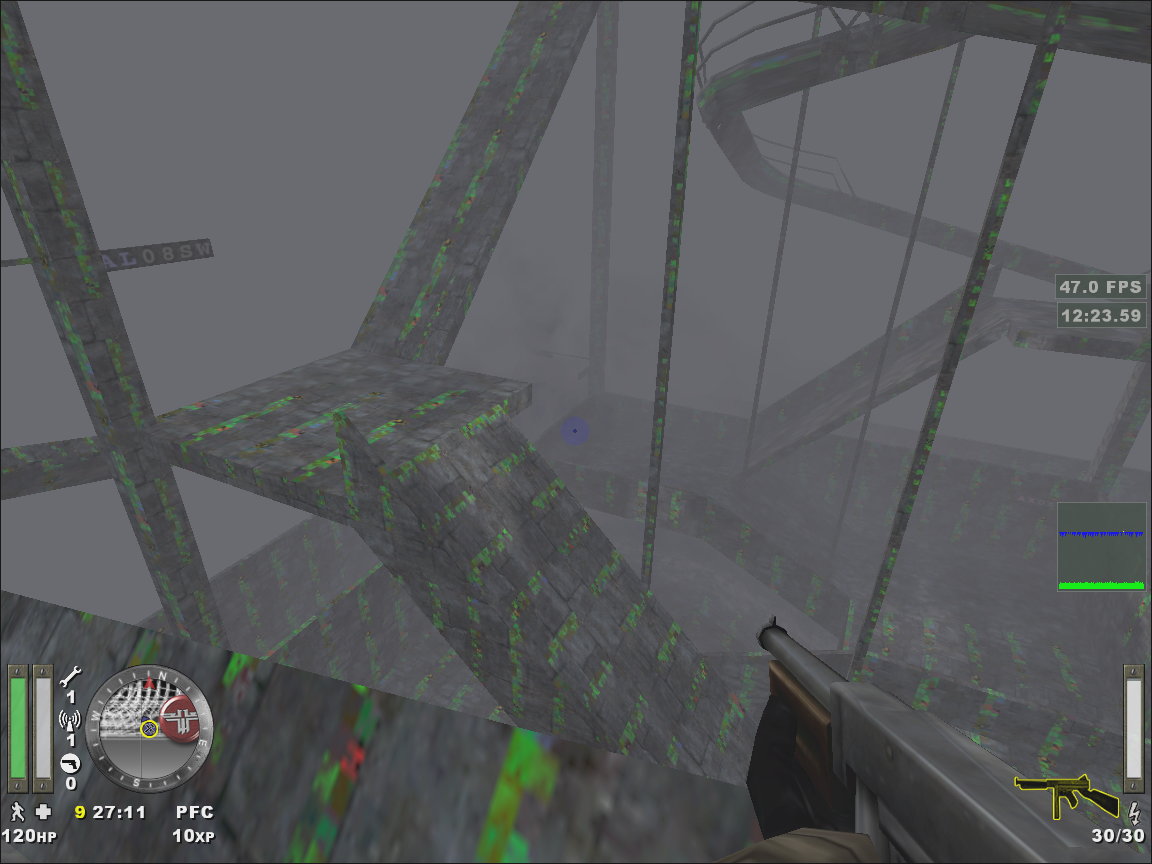
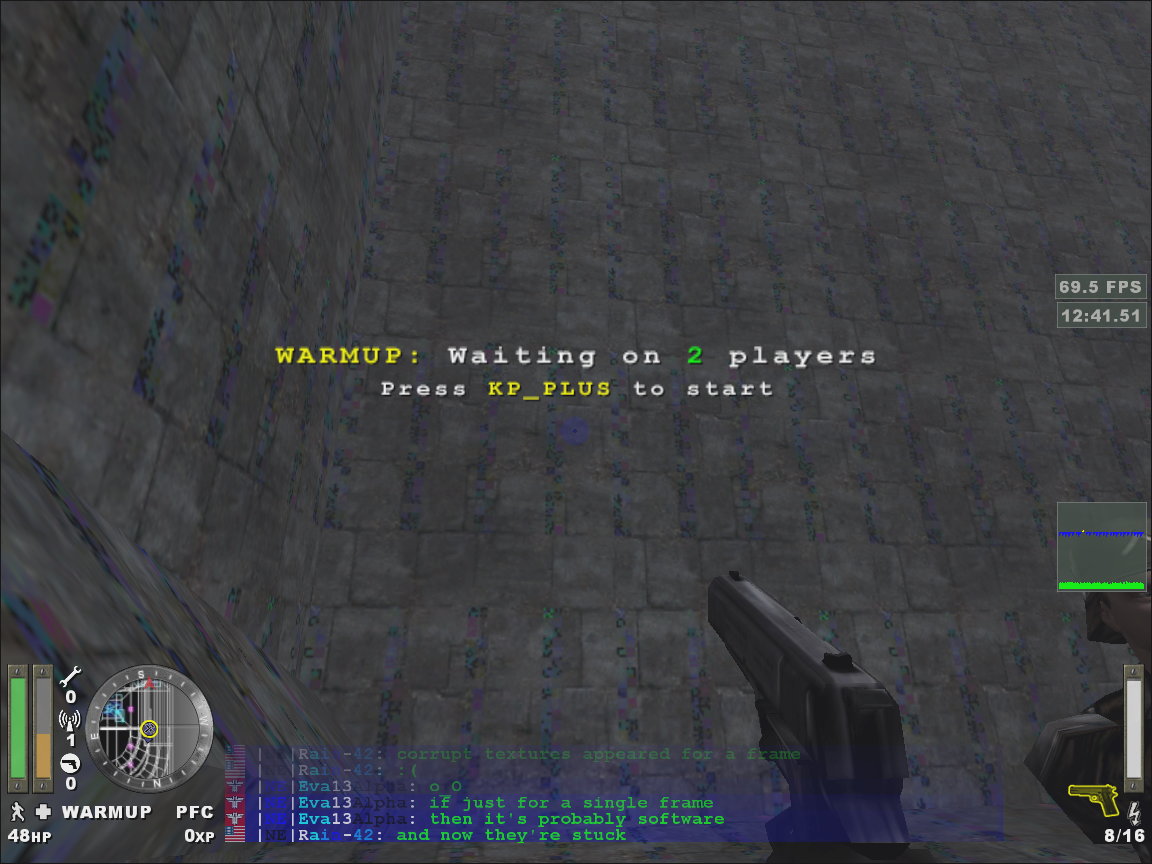
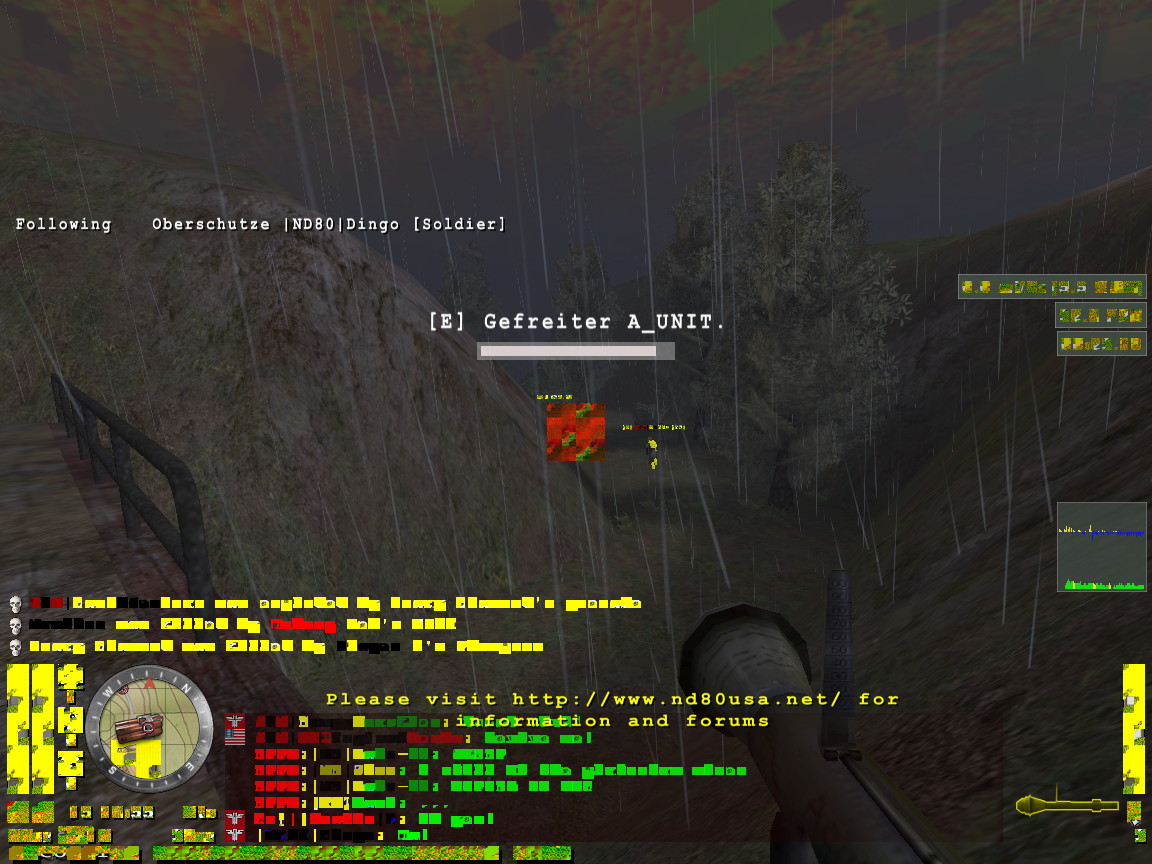
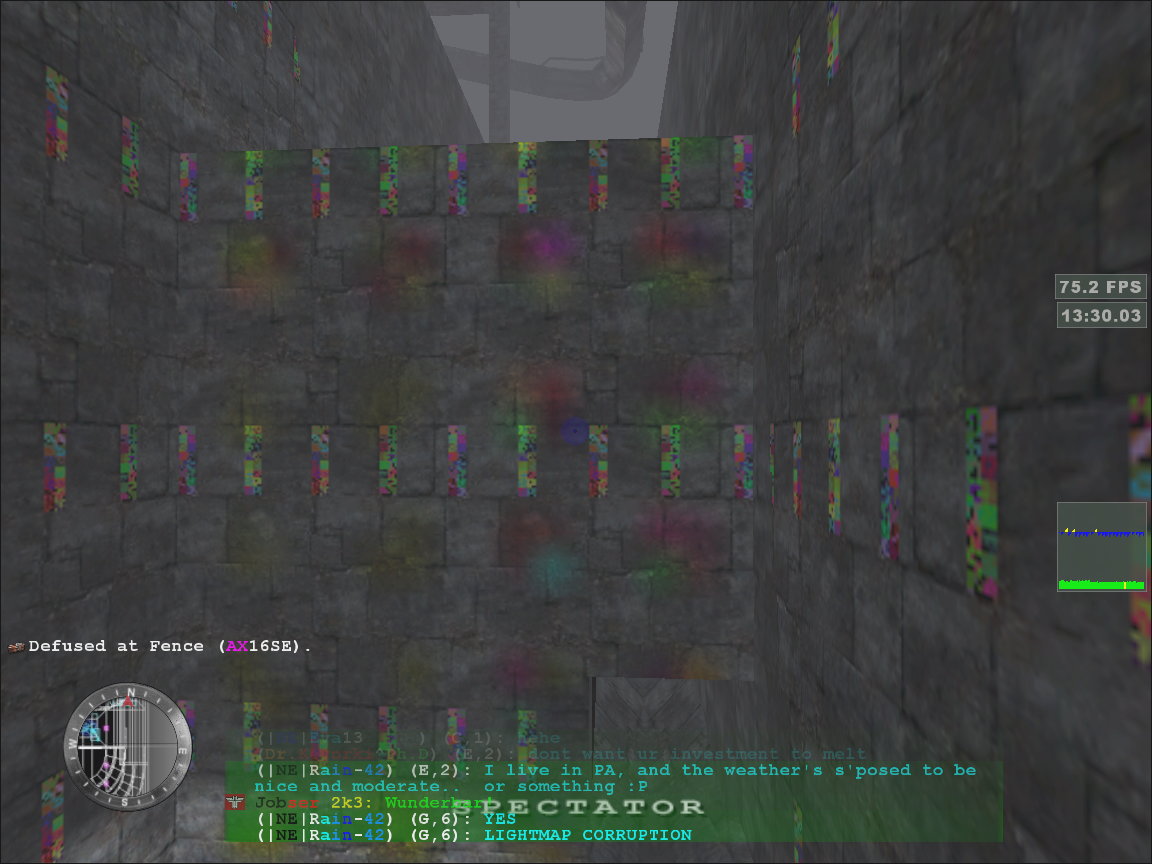
Rainbow coloured ponies are on their way to planet Earth :(


(Salteh) #1


Looks like my graphics card may die soonish :frowning:
Lots of vertical lines everywhere, display corruption… while in bios, while booting, in windows, everywhere. Touching the gfx-card’s power cable fixes it for a while, but it continues to display random crap again a few minutes later… :frowning:
May the ET gods help my graphics card!

In case it really does decide to die… I’ll probably get a ‘cheap’ pci-express card, because I’m not overly rich atm :slight_smile: This new card should perform equal to or better than my current card( Radeon 9700 pro ). I was looking at the GF 6600GT cards… What would other people recommend? :moo:


(Ragnar_40k) #2

http://www.geizhals.at/eu/a134184.html (its a 6800GT)


(mortis) #3

If there any way you can mount a cheap extra fan onto your card? I’ve kept many dying cards alive by keeping their chipset temperatures low. The heat seems to cause the artifacting, etc.


(Cerebrate) #4

Everything should be fine if you change that crosshair! :stuck_out_tongue:


(eq-Shrike) #5

I blame Moi tbh


(evilsock) #6

Holy merde! That’s what my old Geforce2 card used to look like after I’d finished over clocking it :open_mouth: Heat caused those problems on my system - as suggested (and I know it might not sit right with you) a cheap office fan blowing air stright onto the mobo will probably be quite good for your whole machine.


(Gimpsta) #7

How about one of these ? :stuck_out_tongue:

http://www.tomshardware.com/business/20050523/index.html


(stebbi67) #8

my current card( Radeon 9700 pro ).

I do not mean to be rude, but do you have a pci-express slot on our motherboard? Don’t you need a AGP card?

P.s. GF 6600 GT is a good chip :nod:


(Salteh) #9

You’re right, that’s the plan :slight_smile:
IF I have to buy something new, I’ll probably get a pci-e motherboard + cheap pci-e card, then upgrade the gfx card later… after ET2 has been released :slight_smile:

Looks like it’s overheating, so I’ll try playing with the fan a bit :]


(stebbi67) #10

If this is a issue with the card overheating, you might want to clean it. If you have had this card for a long time, there might be a lot of dust in there which privents the airflow ( I have seen that before ). Try to clean the fan and if possible the heatsink on the card. It is simple and might save you some money :wink:


(Lekdevil.NL) #11

I know it’s a long shot, and it probably won’t help, but I experienced a similar problem once with my Radeon 9800 Pro. I fixed it by taking the card out of its slot, cleaning the contacts, and reinserting it. So in my case, poor electrical contacts caused the screen to go haywire.

If that doesn’t help, and improving your cooling doesn’t do much good either, then I’d say your card is genuinely kaput.


(puds) #12

my recommendation is to start drinking heavily, then you probably wont notice the rainbow colours at all :slight_smile:


(MOOOO) #13

I was looking at the GF 6600GT cards… What would other people recommend?

I also have this card. I have 2 of them and am using them with an nforce 4 mother board. I suggest u get the 256mb they are about £140. You will easily get up to 333fps.


(eq-Shrike) #14

333fps = h4x tbh :wink:


(Rain) #15

I had some similar problems a good while back. The problem turned out to be that I had something slightly capacitive end up between a few pins of one of the RAM chips on the card, and after I cleaned it out (it was some wily thermal paste, iirc), things were happy again, and there was much rejoicin.

I later had the fan on the card die outright, which lead to some rather exciting display corruption, and a really hackish interim cooler. :smiley:


(Gimpsta) #16

Nice post Rain :nod:


(fledsbo) #17

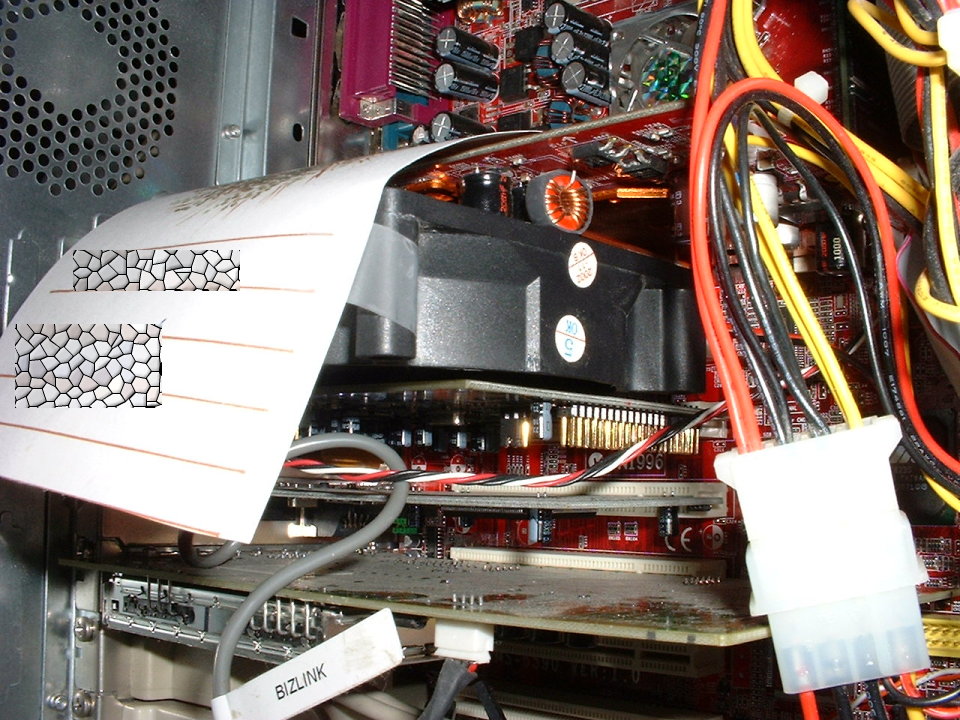
Thermal paste? So this isn’t you then:

http://www.nvnews.net/vbulletin/showthread.php?t=43298&page=1&pp=15

:rofl:


(DWM|Commando) #18

ahahaha thats the funniest thing ever… BUSTED