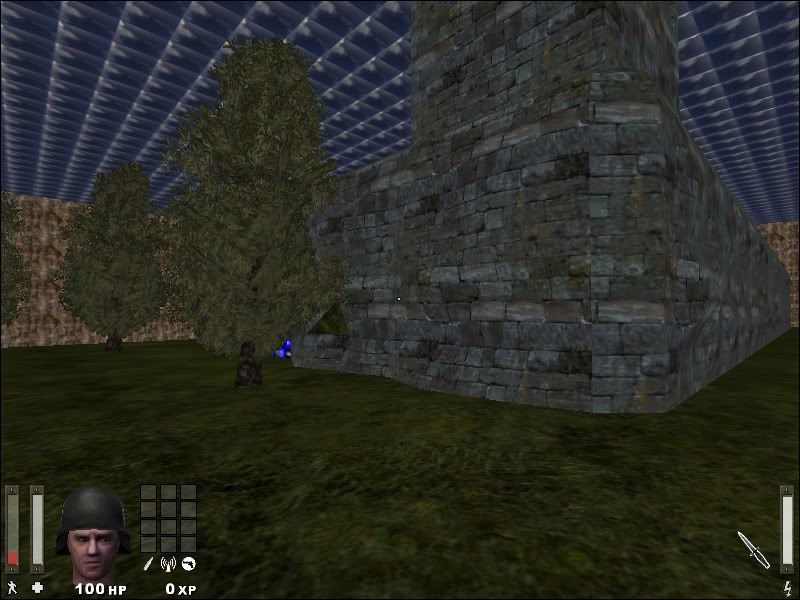
I think it is a good start - well done!
Have you started with the scripting yet?
Have you placed any entities in the map yet (redspawn/bluespawn, script_multiplayer…)?
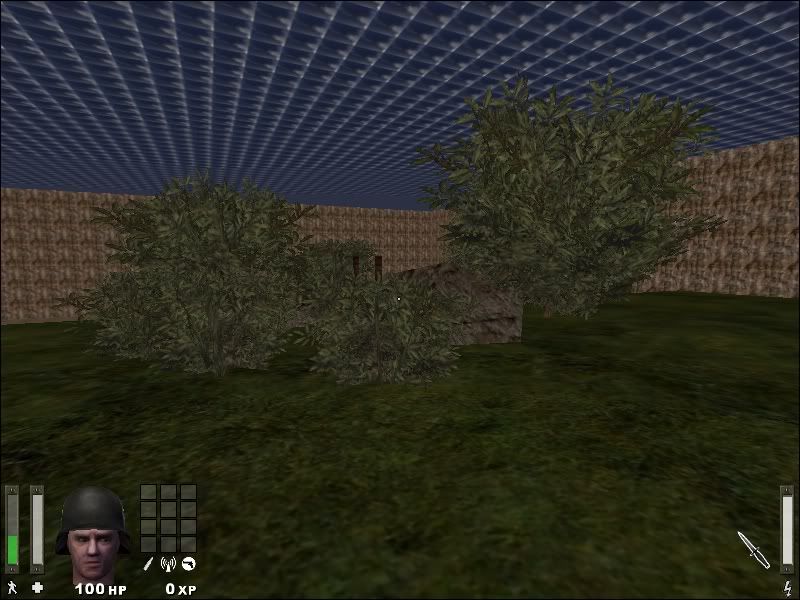
The map looks a bit un-natural at the moment, as you probably are aware, and one way of making it more “natural” is to throw in some junk and trash. Toss in a few wooden boards (preferably broken ones) on the ground, and some small pieces of metal here and there.
You might be thinking “Hey, I can put some crates here and there” and that is of course OK. But why not go one step further? Crates are in all maps. Maybe people are fed up with them and want to see some other stuff? What objects do you see around you IRL that you can put in your map? Be creative. In my map “Two Tanks” I put a … I do not know what it is called in english, Weightlifting-thingy? Here is a picture:
http://www.karlskrona.se/upload/tyngdlyftning_117x117.jpg
I put one of those on the ground near a buiding. Just beacuse I have never seen any of those in a map and I though “Well, why not?”
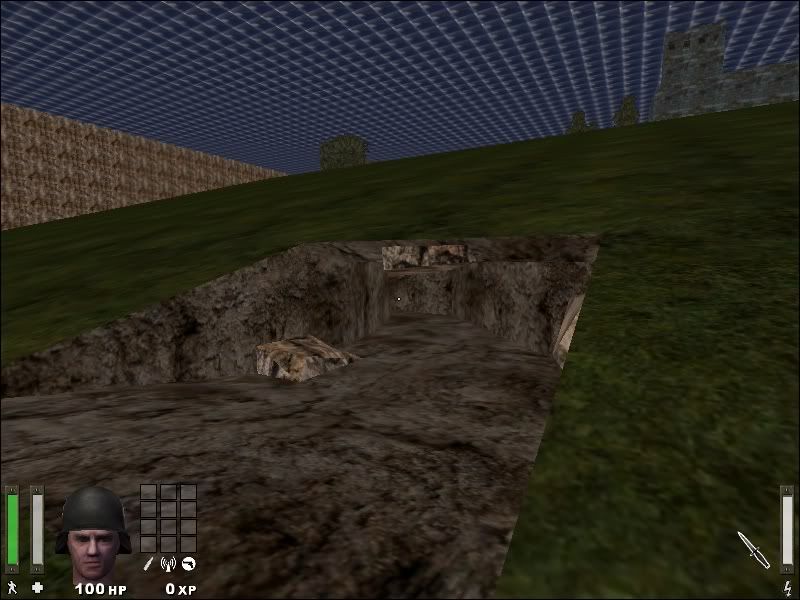
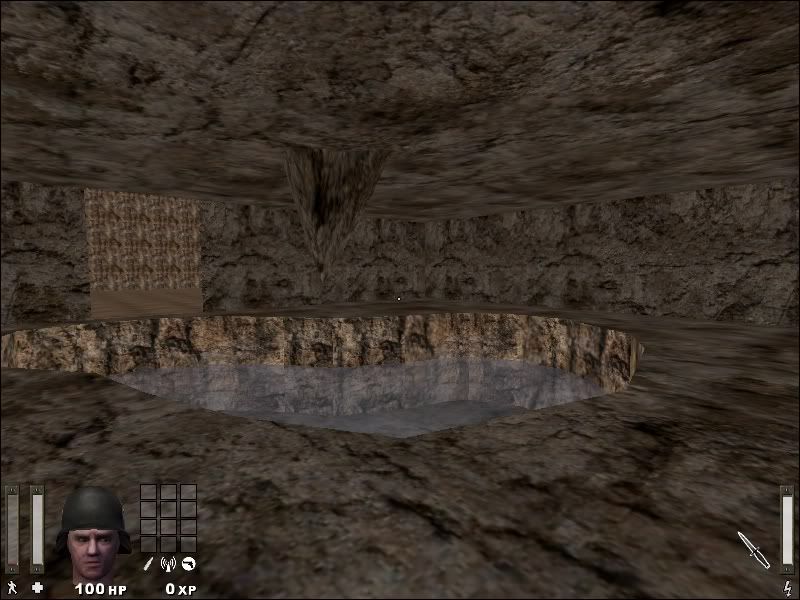
The map’s textures look a bit tiled at some places. Did you know that you can scale the texture? I use radiant 1.4 and I do this: Press Ctrl and Shift, then use mouse in 3D-window to select the texture on a single surface, for example the rocky mountain. Then press “N”. Then click on the scale (vertical and horisontal). The idea is to streeeetch the texture. Then click OK. Should work. You can test it, experiment.
Keep up the good work. //Loffy


 )
)