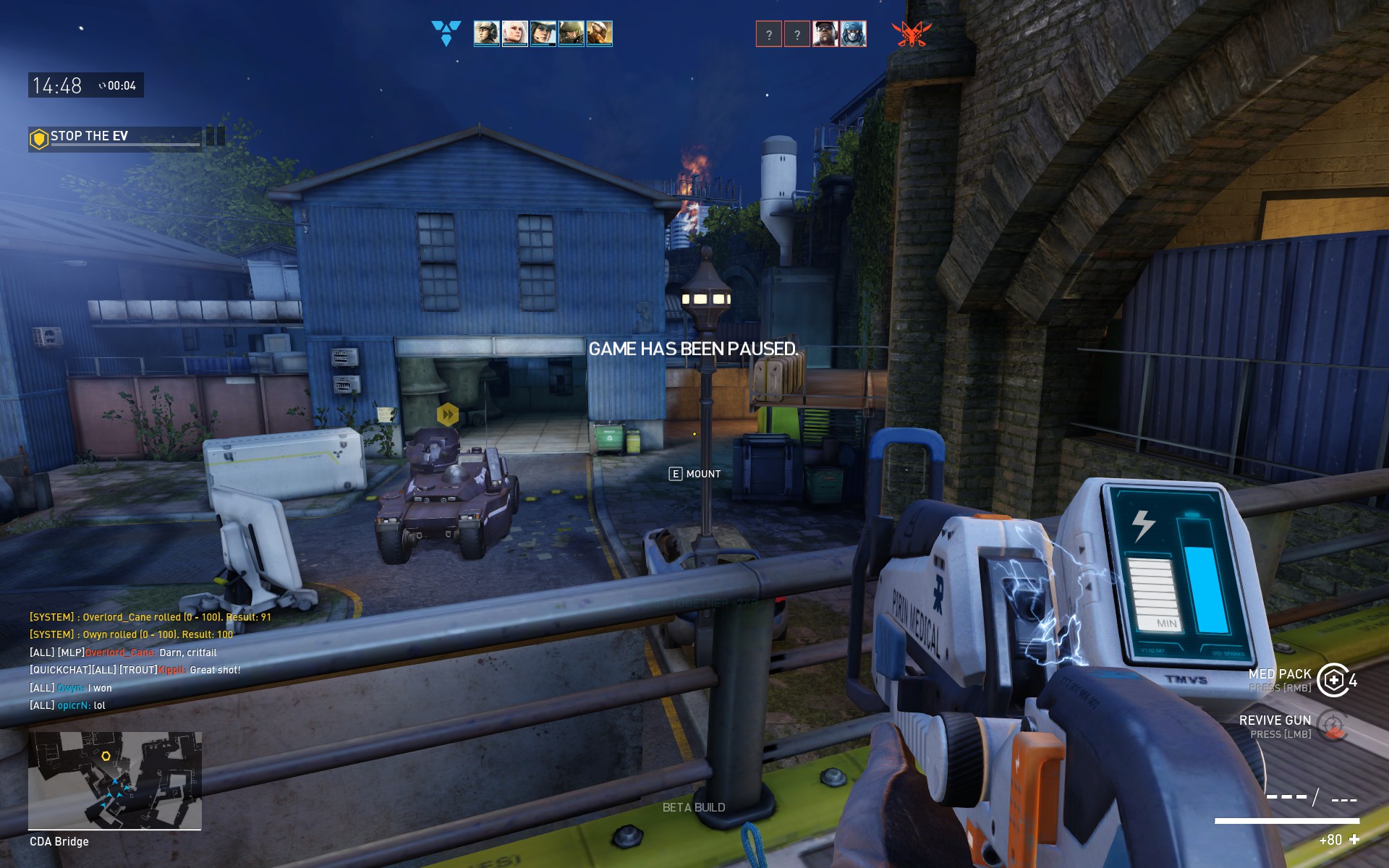
So I’m not sure if everyone has this problem - but the objective markers/ icons on-screen block vision on whoevers close to it (infront or behind). Is there anyway to tone down the opaqueness of just the objective markers and not the HUD? It gets pretty difficult to defend objects and may cause unintentional friendly fire.
The objective markers are a bit intrusive
frostyvampire
(frostyvampire)
#2
Agreed. Especially the market on the EV. It’s impossible to see if someone is sitting on the MG nest unless you are close to it or play sniper
SnakekillerX
(SnakekillerX)
#3
This topic is brought up pretty often. I’m surprised there hasn’t been a fix for it yet.
@stayfreshshoe
MarsRover
(MarsRover)
#4
Not true. If you see the MG nest and you are not dead then it’s not occupied. Simple.

Guziol
(Guziol)
#6
Absolutely. Getting killed because some sparks/kira alligned himself ( im sure its not knowingly obviously, but if it was then kudos to him ) between me and an objective and i can’t hit her for shit is beyond frustrating. Another thing i would like to throw out is screen shake from c4 explosions is probably the 2nd most annoying thing for me.
AlphaUT
(AlphaUT)
#7
Had some experience when you see " no one on your screen" and then suddenly get killed. You realize the marker is the true murderer of your death.
bontsa
(bontsa)
#8
Funniest thing is we used to have pretty decent, non-obstructive obj markers not too long ago during the first year of Open Beta (and before that too I’d be to guess).

Couldn’t find better image for now but heres showing how instead of filling the marker with barely transparent colour they could just as well be hollow hexagons. Best would be if the marker was simply so far above objectives they wouldn’t be in the way at all but even just this old style would be better. Or something completely else, go ham, new UI designers of SD! 
ophamster
(ophamster)
#9
@owyn - what is the transparency of ur HUD? just asking - coz I turned it up quite a bit - problem is that Stuff like health and specials become quite dim ie the entire HUD. Funny how uve never come across this problem ?_? I should take an in-game snap and post so that chaps can understand what the problem is T_T