
So I’m having this strange problem. It’s not an error really, but in-game some textures don’t appear. Seemingly random brushes will have no textures, and instead will be completely transparent as if they did not exist, but still stop bullets, movement, etc. In gtkradiant, though, all the brushes are textured fine. The affected brushes have no relationship to each other, and seem to be random. Any ideas?
Textures
Locke
(Locke)
#3
Haha, no, it is not caulked, and the missing textures aren’t always the same, and they appear fine in other places on the map.
Locke
(Locke)
#5
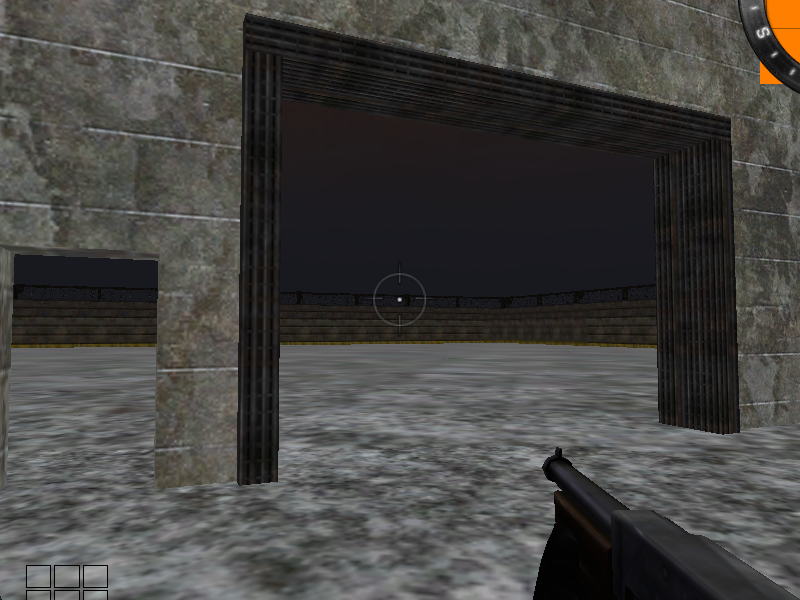
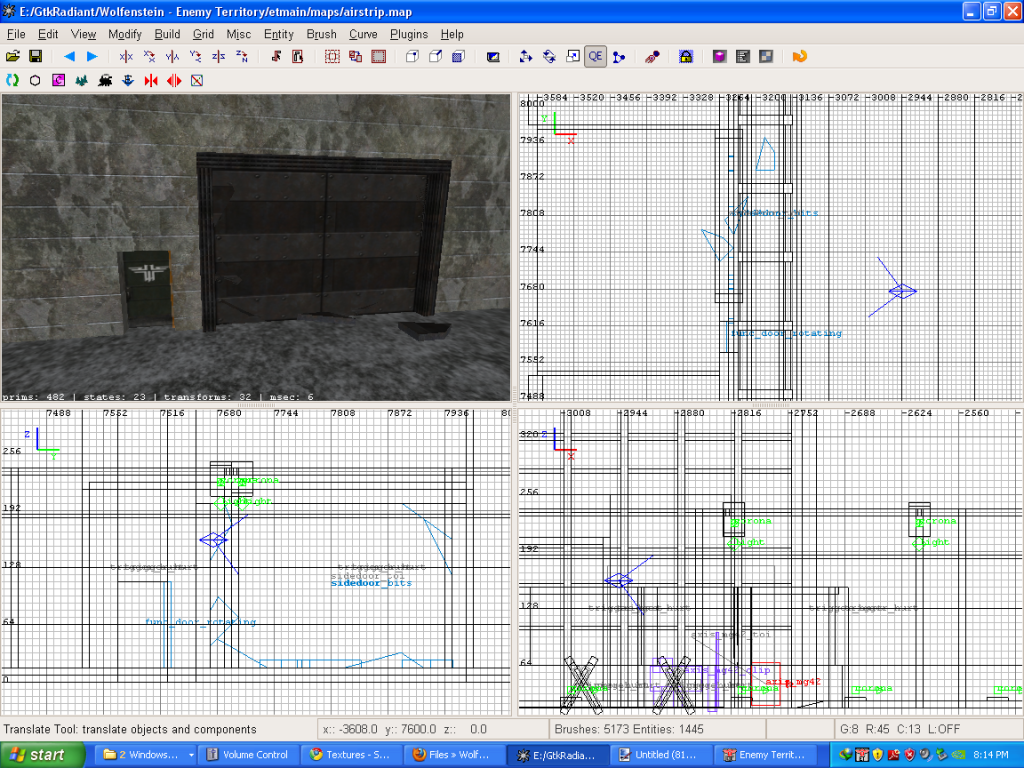

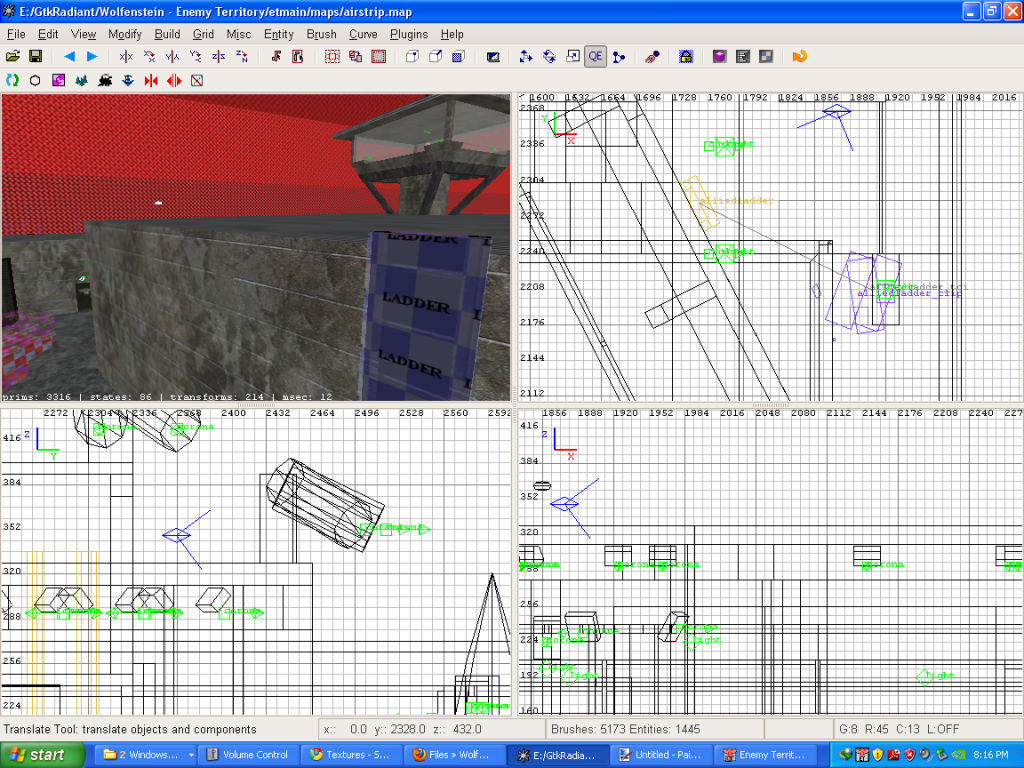
By the way, in the second two pictures, the ladder isn’t part of the problem. It’s a constructible, so that’s the reason it didn’t appear in-game. The problem is the missing wall segment.
shagileo
(shagileo)
#7
That gate could be a script problem. Check if there’s anything wrong with your script (if there’s something missing).
Also, try brush cleanup and see if that solves anything
Blowfish
(Blowfish)
#8
I have had same problem when in the lowest grid, they didn’t match perfectly, but overlapped just a tiny timyyyy bit.
CoD4Fun
(CoD4Fun)
#9
first pic could be a script problem, yes. make sure you setstate the parts correct. btw.: i dont see an origin brush there or am i just missing it.
second pic: delete the ladder and all parts that touch the wall and do a recompile. i bet your problem is solved then.
if not, then there must be somewhere else sth in that wall causing it. sometimes radiant is just buggy, happened to me a thousand times things like that when i was mapping. radiant got often problems with rotatet things, or things which are deformed in vertex mode. so make that wall as clean as possible.
greetz
cod
Commando66
(Commando66)
#10
i get this constantly, i did loads of compiling by moving bit by bit of anything touching the area of the buggered wall and see if it fixed its self, and if i brought out the piece that caused the problem i deleted and redrew the brush.
stealth6
(stealth6)
#11
now thinking about it I used to have this problem too 
eventually it drove me insane and I just stopped mapping, mm so that’s why i stopped (forgot about that)
Anyway I’d go with indy and say it’s something to do with structural vs detail
SSF-Sage
(-SSF-Sage)
#12
This stuff keeps happening until you learn to make clean and efficient brushwork. Working on grid (snap to grid, ctrl + g) and optimising brushwork gets you started. Fighting t-juncts is important too. Using less rotate tool, more snap to grid and not using substract tool gets you already quite far.