surfacelight & skylight harmony? or not?


(redfella) #1

I have read various and asundry things about surfacelight and skylight and the relationship between them… I have heard people say that its ok to use them combined in a sky shader and I have heard people say that its not! So, basically what I’m asking here is is it ok?? I still dont have a clue as to why I shouldn’t use them together and on the other hand, why I should use them together.

Fire away. Thanks.


(ydnar) #2

q3map_skyLight simulates global (directionless) sky lighting by using a cluster of suns. It subdivides the sky hemisphere (hemicube, actually) into uniform subdivisions and evenly distributes the sky brightness over the created sun lights.

I’m contemplating adding q3map_filter N and _filter N (for light entities) to allow per-light filtering that would further smooth out and improve the look of sky lights, as there are sometimes artifacts.

Using q3map_skyLight is substantially faster and produces more uniform illumination than q3map_surfaceLight for sky lighting, and works better with -fast.

y


(Hewster) #3

q3map_skyLight is wicked… I found it works best with 5 subdivisions.

I’ve been recompiling some of our WildWest maps using the latest
Q3map2’s features (and new textures)…Here’s a pic of WildWest_town
which used compiled surface light in the sky shader

and this is the most recent compile using q3map_skylight with 5 subdivisions

The only light source lighting this area is the sky…notice how much more
natural the light is in the dark shadowed areas :smiley:

Hewster


(ydnar) #4

Nice shots. They demonstrate what q3map_skyLight does very well. Cheers!

I’m in the process of adding some new features for sun/sky lighting that will fix up the last remaining problems I have with them, including per-shader lightmap filter radius settings for both self and other (other being per light stuff), and a _filter key for light entities that would do the same thing as other:

q3map_lightmapFilterRadius <self> <other>

Both will default to 0, and will override the -filter switch.

This will enable mappers to fine tune their lighting/filtering setup on a per-light or per-surface basis to eliminate the occasional lighting seams that come with global use of the -filter switch.

The benefit of large-radius filtering on sky lights would be a decent approximation of the penumbra/half-shadows from natural sky light.

I’m also looking into doing proper umbra/penumbra simulation for sun lights via jittering the sun about 1 or 2 degrees. I was inspired by the (devine) screenshots of STALKER. Notice how its shadows get more out of focus the further from the occluder they are.

Also on tap:

  • manual vis entities, somewhat like how MOHAA has
  • automatic hinting

And if I get around to fixing them:

  • finishing my new T-junction code (currently disabled because of bugs)
  • fixing the fatal crash bug (and re-enabling) vertex-cache aware triangle/vertex reordering (was originally coded for ET but left unfinished due to timelack)

y


(system) #5
- automatic hinting 

OMG we will be workless. :smiley:

I’m looking forward how this one will work for us or if we still need to tweak the hints.
It’s a good thing for new mappers.


(ydnar) #6

Shots of the upcoming sun/jitter/penumbra creating code:

y


(pazur) #7

q3map_lightmapFilterRadius <self> <other>

excellent :slight_smile: the filter per shader would make it possible to have no filtering on my lightmapped models and i can still have filter on the rest of the map… not having filter looks wierd on some patches in my map.
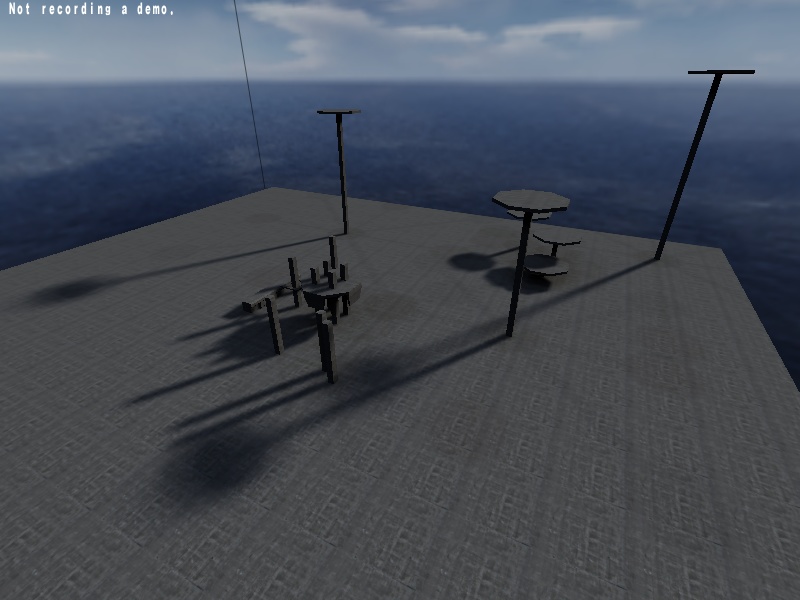
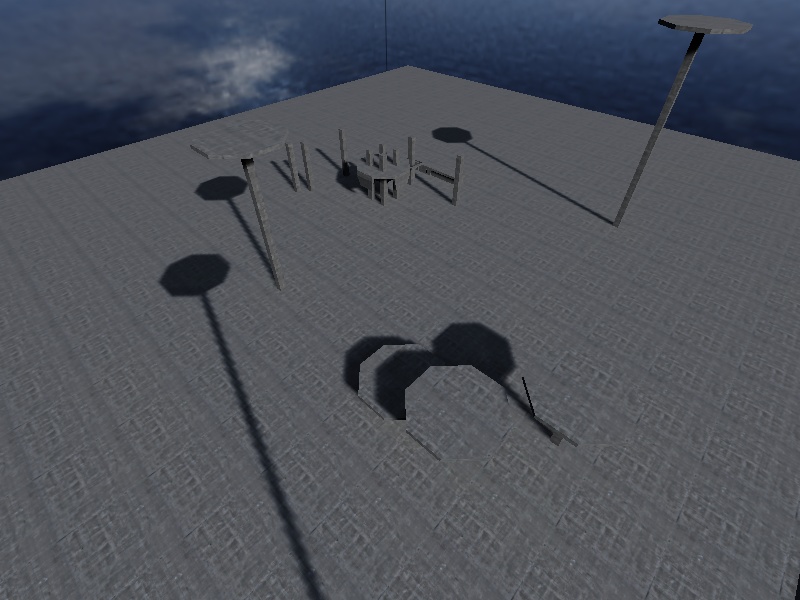
  • automatic hinting

does that mean visdatasize will go up like having at each corner a hint brush?

  • finishing my new T-junction code (currently disabled because of bugs)

hm i guess thats why i get lots of sparklies now


(Hewster) #8

no no no THANKYOU :slight_smile:

mmm, so shadows like this:

would look more realistic … wahoo NICE.

btw, any ideas how I can impove (fix) the problem top left in theis pic ?
the radiosity / q3map_skylight seems to wash out the shadow on the
terrain… this happens everywhere i have vertical walls close to each
other on the terrain, I can supply more info/shots if you would like them.

Hewster

edit: Typo’s (again !!)


(ydnar) #9

Are you using -fast?


(Hewster) #10

yes, my light compile switch’s are:
-light -fast -bounce 10 -samples 3 -thresh 0.3


(ydnar) #11

Can you post your sky shader? I think your problem is simply an overbright sun.

One of the guys at Raven had this exact problem (miscolored artifacts from radiosity, super-harsh blocky shadows from the sun, etc).

y


(damocles) #12

I simply cannot wait for that penumbra effect lighting. That looks incredible. Dammit randy, work harder! :smiley: Just kidding, continue to work your magic at your own speed :slight_smile: we’ll all still love ya for it.


(Emon) #13

…that is amazing. Is it only for suns, or could you use it anywhere? Other shadows diffuse with distance, is there any way you could do that?


(Hewster) #14

That could be it :slight_smile: intensity was 320 !! I’ve lowered to 130 & doing some
test compiles now… I’ll post results when done… Thanx… again :smiley:

Hewster

EDIT: this topic continues here:
http://www.splashdamage.com/forums/viewtopic.php?p=36913#36913


(Emon) #15

So can we use this on all lights (even with an insane compile time), and does it affect performance?

And can you increase the number of iterations for the jitter to reduce the way it falls apart in the distance?


(ydnar) #16

I’m considering making it available for pointlights as well.

For area lights, there are other alternative methods for doing proper umbra/penumbra effects.

After banging on the compiler (Visual Suckio) for a few hours, I finally got the jittering code to work. Doing test compiles now.

y


(ydnar) #17

Pretty much all working now. Sun, spot and point lights can be jittered now (you can “jitter” surfacelights with q3map_lightSubdivide already).

New entity keys:
_deviance N (units for point/spot lights, arc degrees for sun lights)
_samples N (number of jitters/samples to take. 8-32 are good values)

New q3map_sun stuff:
Add two more numbers to the end of a normal q3map_sun line. The first one is deviance (degrees) and the 2nd is samples (number of jitters to produce).

“Final” compile using -super 3 -filter:

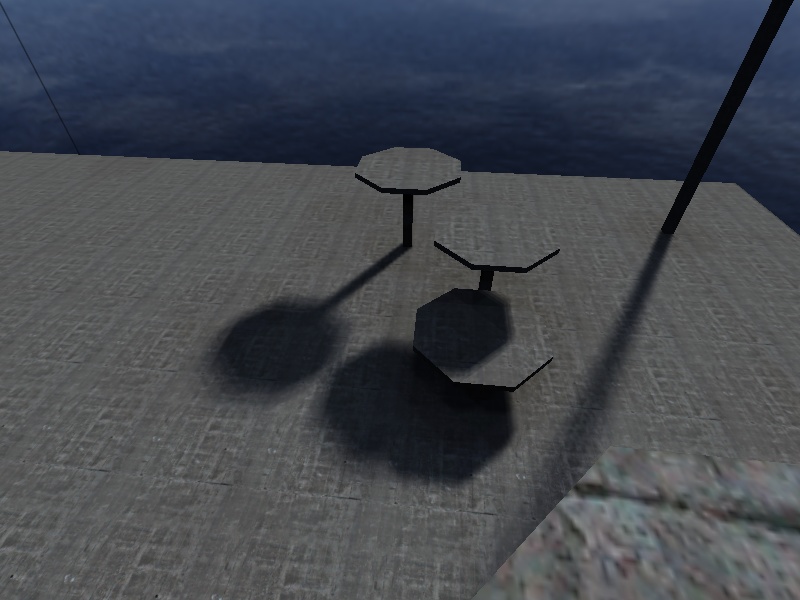
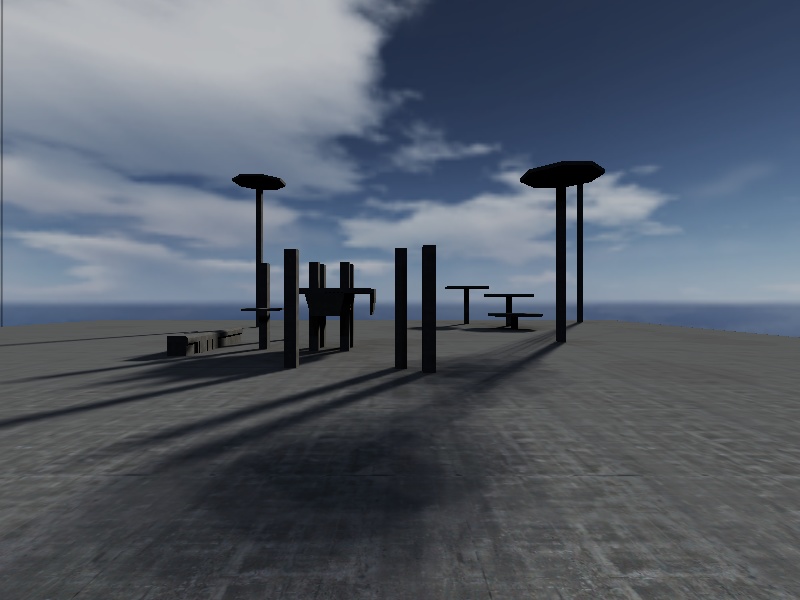
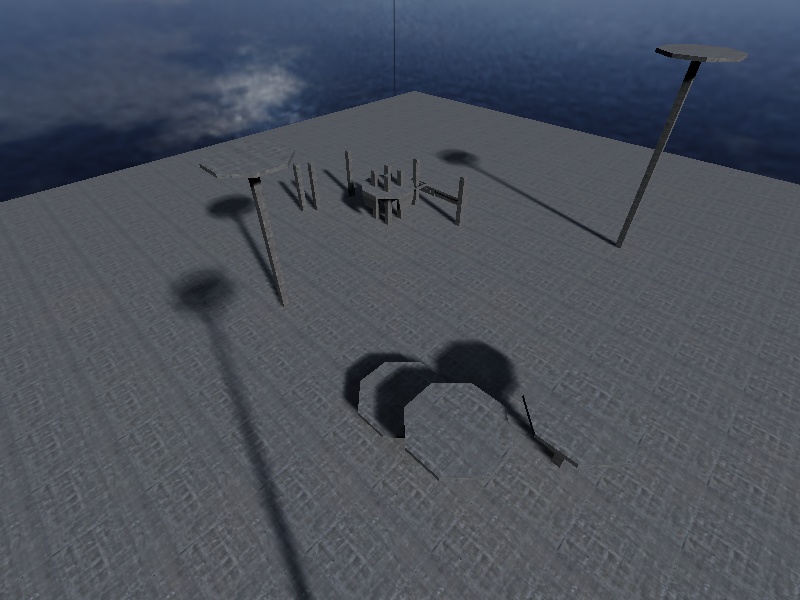
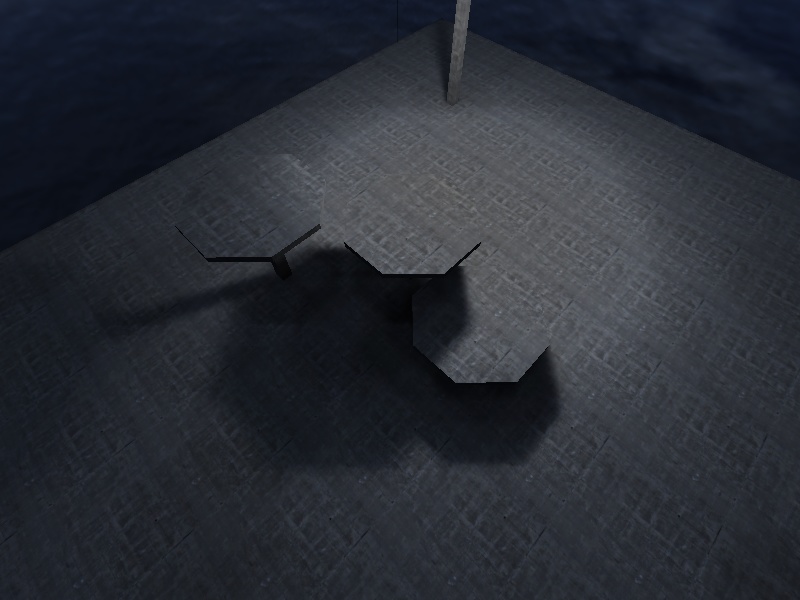
With no jitters:

Using 16 jitters with 2 degree deviance:

Point entity light with 32-unit deviance and 16 jitters:

Soon.

y


(damocles) #18

Amazing work ydnar. So how soon? In about 2-3 weeks would be great, just in time for my final map compile :smiley:


(RaP7oR) #19

Sexay feature that :), but whats with those shadows on the “Not recording a demo” Shot that makes it look like its in a Stadium :???:

Are they from q3map_skylight ?


(Fracman) #20

I think these light and nearly unnoticeable shadows come from the light that is beeing reflected by the 6 walls of the sky cube.
But they only appeared in the “final compile using -super 3 -filter”.
Is is because of some bounce in the “-super 3” setting?