
I have some steps that are squarish brushes with a phong shader on them; the shader on front and top of each step being the same, and having q3map_nonplanar and q3map_shadeAngle 150 in it. (Also q3map_lightmapMergable, but that shouldn’t be significant since the step surfaces all use the same shader.)
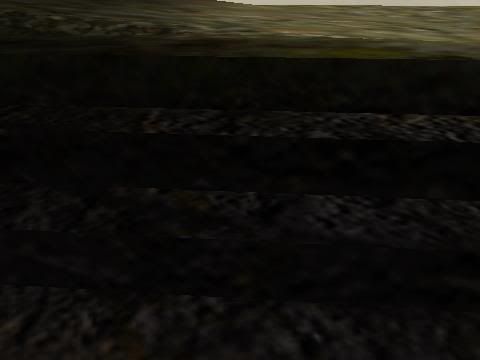
The steps should look rounded at the edges, but don’t.
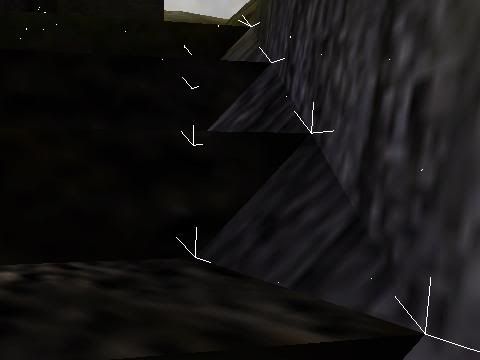
r_shownormals 1, same area. And the problem isn’t restricted to just the steps…
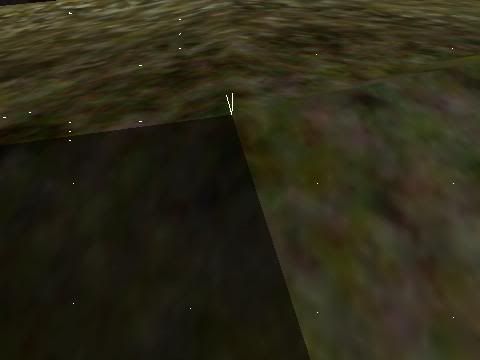
r_shownormals 1, in a terrain area with visible faceting instead of smooth shading.
The angles are definitely not exceeding the shadeangle. The sides and tops of the steps are at a precise 90 degree angle, for example, and the shadeangle in the shader used for the steps is 150. It is even sillier with the terrain – a shadeangle in the same ballpark and even less sharply turning surfaces.
A square cylinder has a 90 degree angle but looks like the corners are rounded due to phong shading, and the shadeangle maximum is 179, so I know 90 degrees isn’t exceeding some sort of fundamental limit on phong shading. And the terrain is much less angular and exhibits the same problem in isolated regions. So what the heck is going wrong?