
much trouble with ase :(


(burzum) #1

Hi,
ive tried to redo this example map here

http://shaderlab.com/q3map2/samples/map_sl_canyon.zip
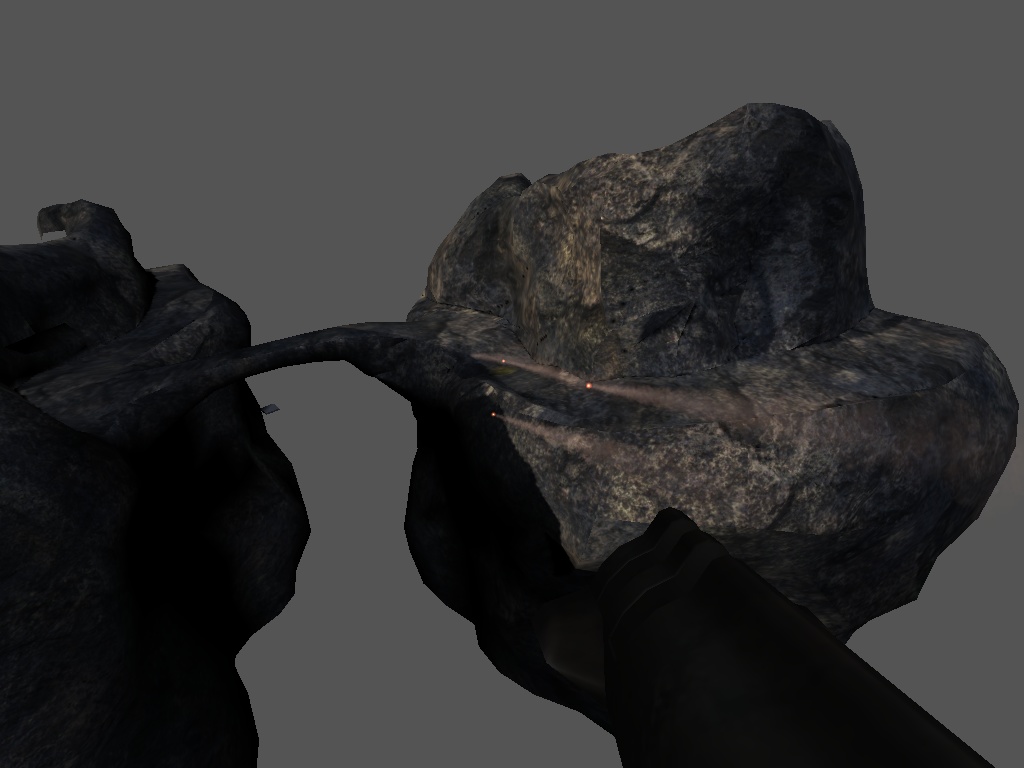
But i NEVER got a working map :frowning:

My frist problem is that under unknown circumstances GTK Radiant crashes while loading an ase file. After playing with the 3dsmax export options for ase files if got it working. The next problem was the texture path, i solved this too.

But after compiling a map with an ase model, the map loads but when the ase model comes into the players view, the map crashes and im back in quake3s main menu…:frowning:

Ive tried the 3ds format, the same geometric object loads very fine in radiant and the map loads and works - only the texture isnt there - arrrr !!! :frowning:

So, how can i get something similar like the canyon map ?
My idea was a map with MUCH parts build in 3dsmax and then compiled into a map. Are there some shitty limits, hints, bugs or something ?

After 2 days working on this damn problem im near to jump from a bridge :frowning:


(system) #2

I made a map that are only .ase models. (It’s an open map so it’s ok), otherwise use foghull/caulkhull.

Maybe you missed small things like a compressed .tga / .jpg or an “öäüß” in your filename?

Just suggestions, i know you are an experienced mapper. :slight_smile:


(burzum) #3

Ahhh :slight_smile: Hello Fiesling,
hehe, maybe im technicaly a good mapper, but not a good designer at all.

Its just a small box, closed all 4 sides, no skymap. Ive tried to insert the teapot object from 3dsmax as ase file in this map.

Wich programm you use for exporting the ase file ?
Works this with objects with more than 1024 polys ?

Komm einfach mal in #mappers.ger oder quark mich doch bitte im ICQ an, danke :wink:

Ok, heres my testmodel in 3dsmax

Here is it in radiant with correct texture path, i use the texture from the canyonmap

And heres what quake3 says after starting the map and whats happen when the player see the model in the map, the map crashes.

TCP/IP^7 entered the game
Cvar_Set2: com_errorMessage RB_CheckOverflow: verts > MAX (4500 > 1000)
********************
ERROR: RB_CheckOverflow: verts > MAX (4500 > 1000)
********************

(ydnar) #4

That error is pretty clear. The vertex count is too high.

Are you BSPing the map with -meta?

y


(burzum) #5

Yes, im using -meta.
Ive tried it without -meta after reading this, but it makes no difference :frowning:

I thougt Q3map2 has no polygon limits ? :???:
And why works it as 3ds file ? Only ase models crash :frowning:


(system) #6

Yes ydnar, some times ago i remeber a shot where you addaed a 32k Poly space-station in a q3map.

Or is the vertexcount to high, for such a small model?


(burzum) #7

Hehe, i had the same thougt and made it bigger - no difference, same error :frowning:

But with models und 1000 polys it works.
Heres a testshot


(ydnar) #8

You should create a shader for that model, so it can be made to nonplanar meshes in Q3Map2. Make sure the shader has the following:

q3map_forceMeta
q3map_nonplanar
q3map_shadeAngle 120

The shade angle can be tweaked to taste.

y


(burzum) #9

Ok, ive solved nearly all problems, but this one remains :frowning:

TCP/IP^7 entered the game
Cvar_Set2: com_errorMessage RB_CheckOverflow: verts > MAX (4500 > 1000)


ERROR: RB_CheckOverflow: verts > MAX (4500 > 1000)


And im back in the main menu…


(ydnar) #10

See above message.

y


(sea) #11

burzum: Ive tried the 3ds format, the same geometric object loads very fine in radiant and the map loads and works - only the texture isnt there - arrrr !!!

use ase, md3 (or mdc for rtcw), don’t use the other formats. they were never really finished.


(system) #12

ERROR: RB_CheckOverflow: verts > MAX (4500 > 1000)


ydnar, Burzum sent me this model a few days ago for testing. I just inserted it and compiled.
All went fine. Why did he get the error-msg but I not?


(UniKorn) #13

Maybe he created the new model but forgot to put it in his base folder, which made him use the old model for compiling.


(burzum) #14

OK, its all fine now :slight_smile:
I´ve solved all problems.

Thanks for your help :drink:


(UniKorn) #15

What was the problem?