
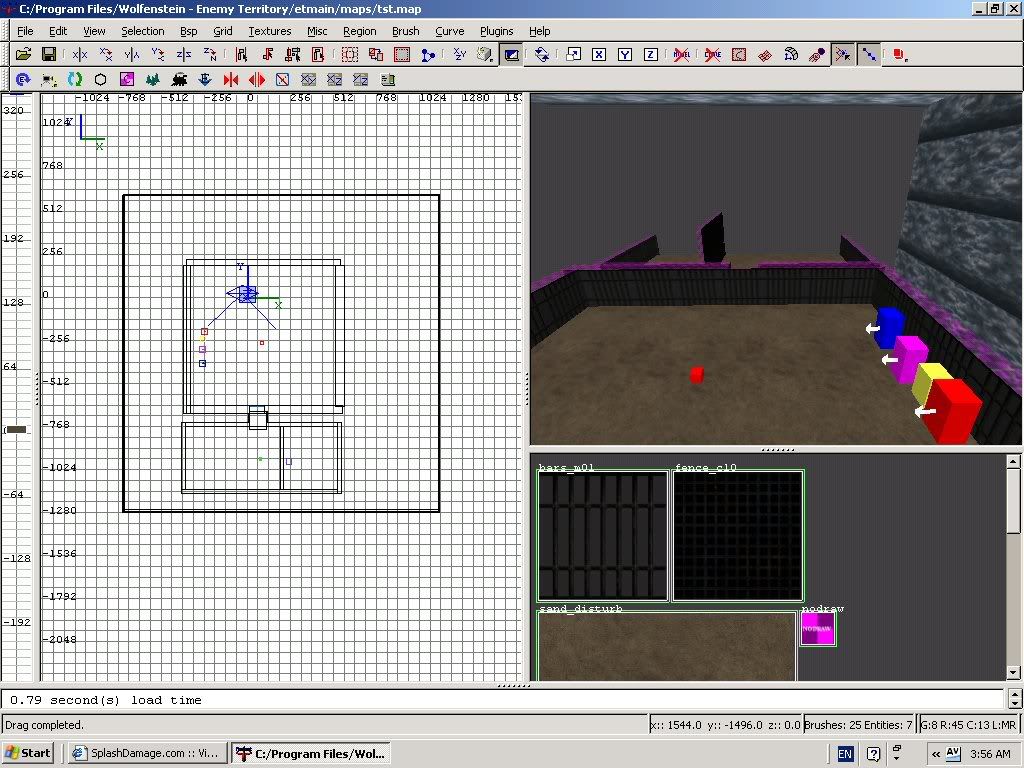
what is this? i was making my map i had just got the target_speaker to work thanks to peaple on splash then i tryed my map again and this showed up hunk_allocateTempMemory failed on 61000712 please help me 
hunk_allocateTempMemory
hatashi
(hatashi)
#1
SCDS_reyalP
(SCDS_reyalP)
#2
The simple way to work around it is to increase your com_hunkmegs. However, this may mean that everyone who players your map will have to do the same. Otherwise, you need to reduce the amount of memory used by your map. This thread http://www.splashdamage.com/index.php?name=pnPHPbb2&file=viewtopic&t=11854&highlight=hunkmegs has some information and links.
Loffy
(Loffy)
#3
Hi!
Yes, that’s it.
I remember when I and Drakir worked on the ET map “North Pole”. We got the same problem.
Solution? We deleted a lot of stuff.
//Loffy
SCDS_reyalP
(SCDS_reyalP)
#5
:eek:
Well then, something else is wrong. I’m not sure what to suggest, except look at the things you changed most recently before it happened. If you just added a target_speaker, maybe the .wav file is bad in some way ?
Also, make sure you are using a in install of ET that doesn’t have a lot of extra downloaded maps and stuff in it. Sometimes having too much extra stuff in your et directory can cause hosting local games to stop working.
hatashi
(hatashi)
#6
 i got rid of the axis spawn and target_speaker i think it was the target_speaker yay tyty
G0-Gerbil
(G0-Gerbil)
#7
Yeah custom sound effect somehow eat up hunkmegs in a way we haven’t fully explored (ironic considering there’s a seperate sound memory cvar) - The latest helmsdeep runs fine unless you add custom sound packs that people have done (well, Slick basically!).
Bit annoying, but not had time to track it down further.
What was your sound effect exactly, an entire song (for example) or something so short it doesn’t make sense to fill up RAM?