the title said it, heres the problem
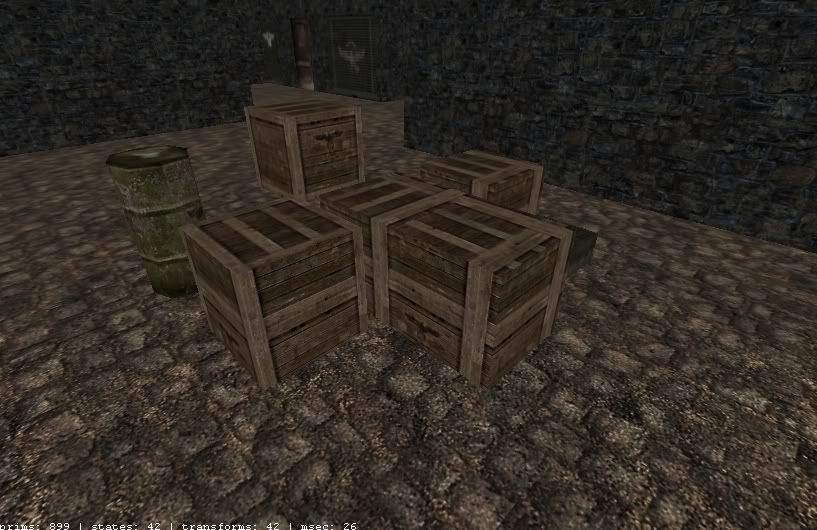
how can i align the texture with the crates?

for the crates you might want to select the surface you want to align but holding “ctrl” + “shift” + “left click”, hit “s” to bring up the surface inspector then press “fit”. The texture will then stretch to cover the entire area of the surface without repeating
alternativly to nudge the texture select the surface again with “ctrl” + “shift” + “left click” (nudge worlds with multiple surfaces selected) then hold “shift” and press the arrow keys to move the texture up, down, left or right
if you crates are 64x 64 x 64 units then you should be able to texture the crates using nudge as the 128 x 128 pixel crate texture covers 64 units in the game world, if you have built odd sized crates like 72 x 72 x 72 units then you will need to fit them as the texture will then not be a natural fit
kom je van nederland want anders kan ik het niet uitelleggen?
Are you from the netherlands?
I shall try it in english.
It’s very simple:
