Hogwarts


(DeatH) #1

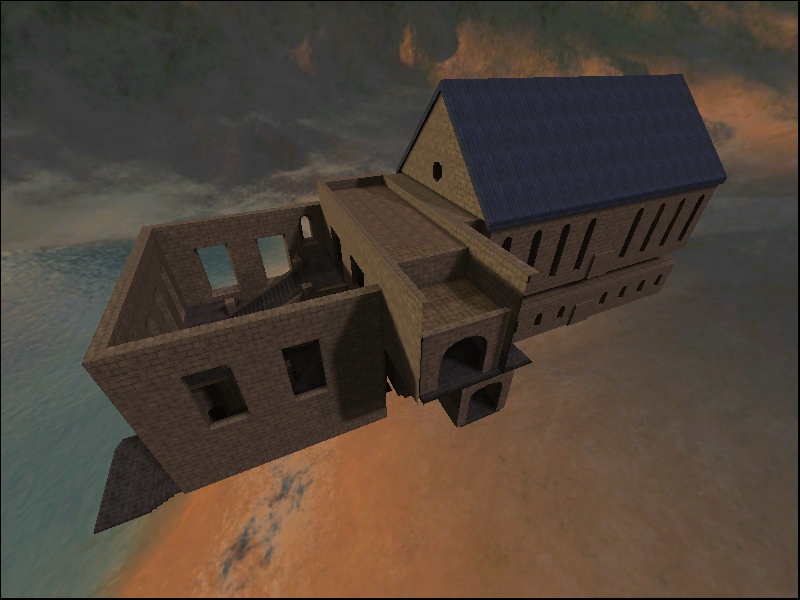
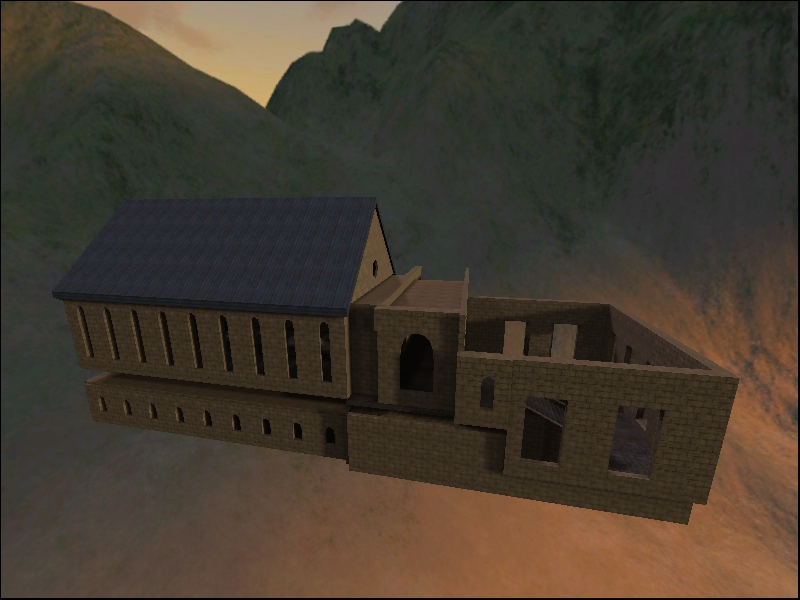
This is a WIP and i have literally just started with refrence pictures and blueprints (which are incredibly hard to find). I’m trying to get textures together of which I’m not doing so well, so any help in that field is appreciated.

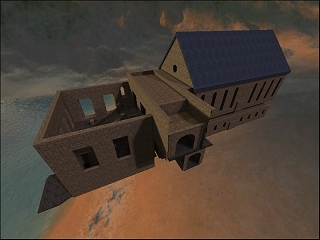
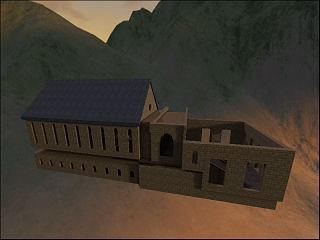
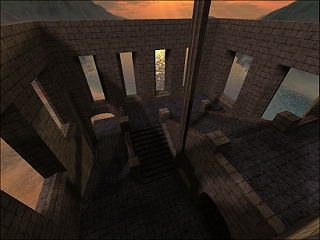
Anyway just the one radiant shot so far (untextured) but i do hope to update this thread as often as possible with my progress.


(ChimTea) #2

Would these help?

http://www.simonoc.com/pages/materials/tpmedieval/index.htm


(FireFly) #3

I collected some “castle wall” textures for one of my previous map that you are free to use: http://magics-territory.com/et/et_maps/eltz_beta1.rar


(FireFly) #4

I collected some “castle wall” textures for one of my previous maps that you are free to use: http://magics-territory.com/et/et_maps/eltz_beta1.rar


(MrLego) #5

You have a nice start on the geometry there.

The best way to get reference material for this is to play the movie on your PC and take some screenshots of the areas you are working on.

Take a look at Blushing Bride’s map “Cathedral”, It most resembles Hogwarts in design and texturing and parts of the movies were filmed at places where he got his inspiration from.


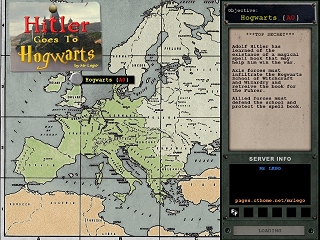
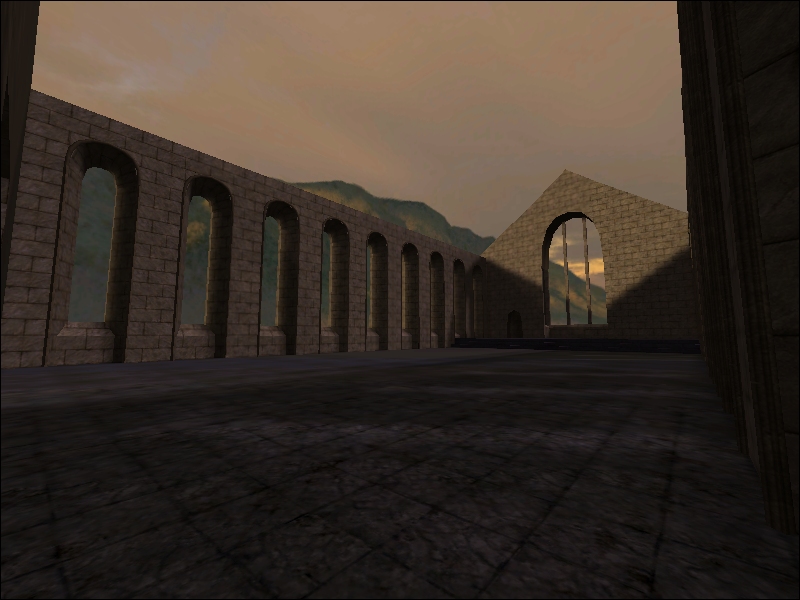
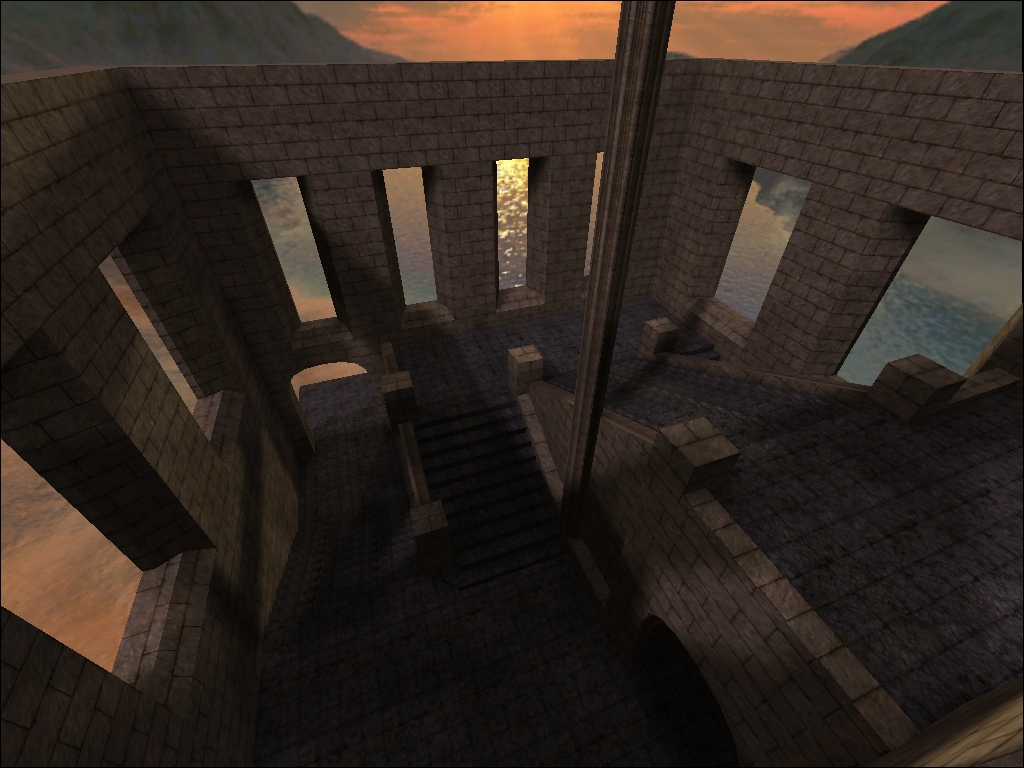
Back in 2004 I was working on a similar map - I had a initial layout of the great hall and entrance blocked out with a generic texture set in place (Socks Egyptian textures) so I could get the scale right. I had a fully functional map that I could run around in to test scripts, spawns, objectives, etc before I continued onto the rest of the level.

When the third movie came out (Prisoner of Azkaban) they did away with the front entrance stairs and went to the open courtyard that was used in the rest of the movies and I dropped the project because of time constraints.

I still have tons of screenshots and map backups stored somewhere if you’re looking for something in particular.

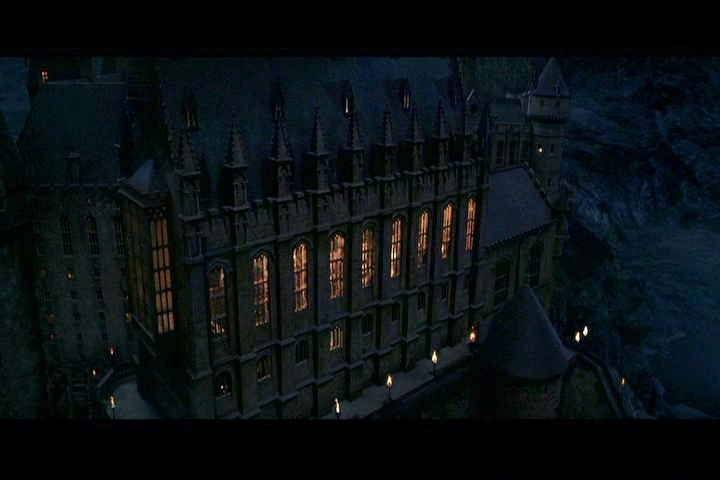
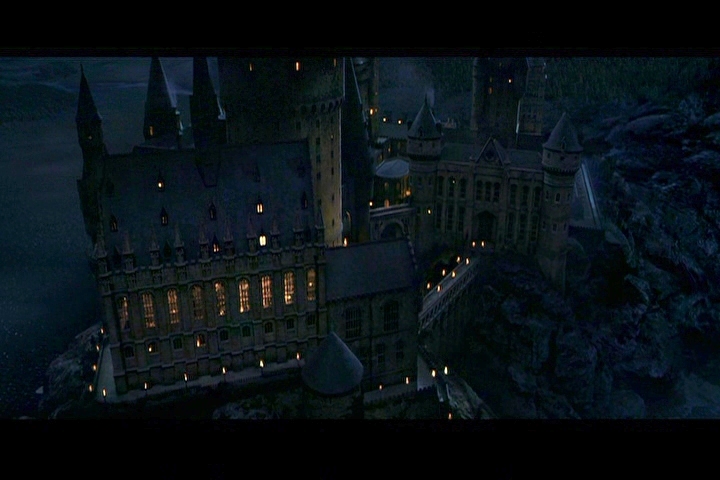
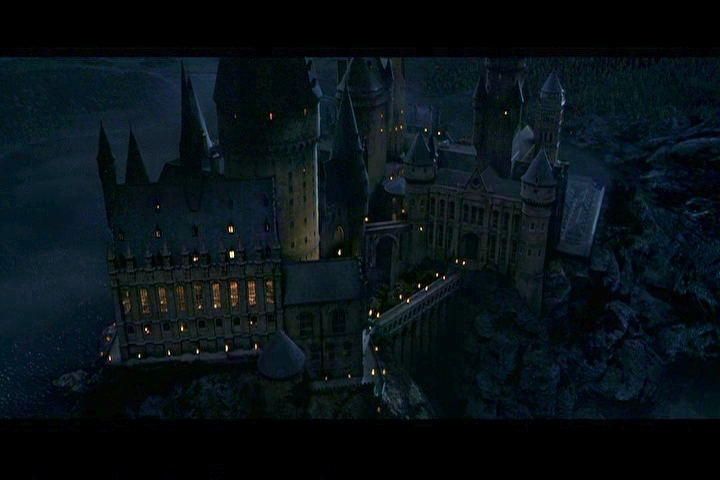
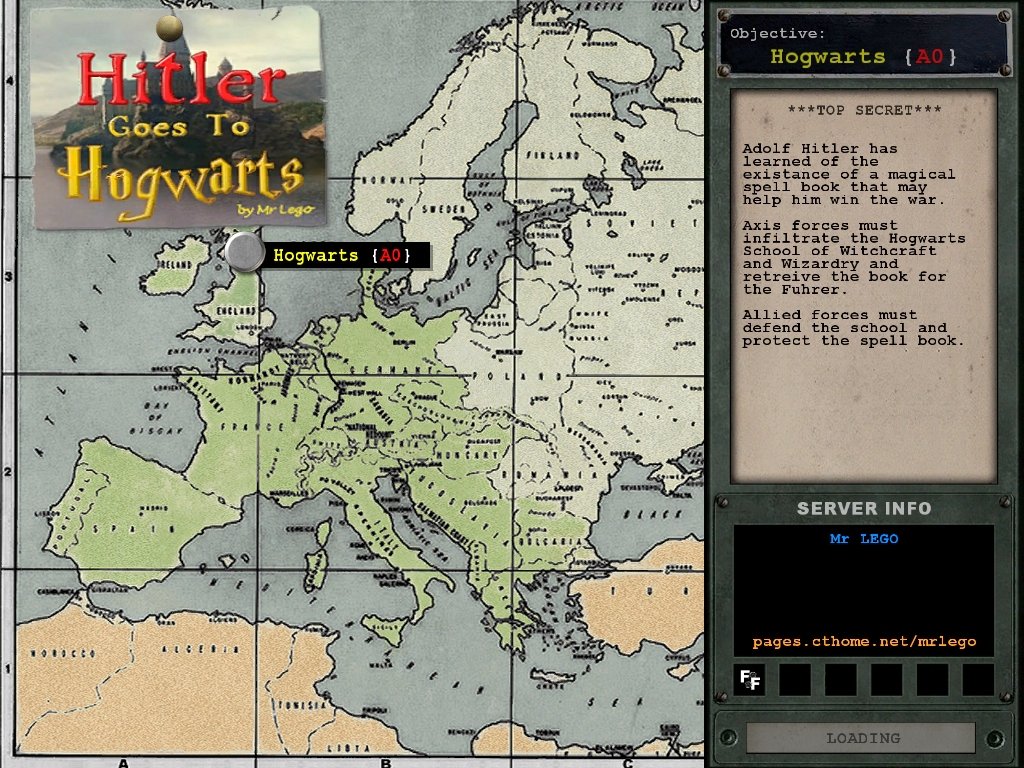
Here are a few exterior movie screenshots from the first two movies as well as a couple of progress pics of what I was working on.
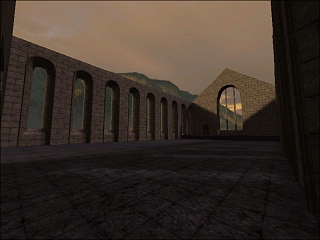
I was going to resurrect this when Quake Wars came out and call it Stroggwarts, but I never got much past a basic terrain model and megatexture. :oppressor:


(DeatH) #6

Wow thanks for all the links and refrences. Ill have to step up my game now :slight_smile:


(shagileo) #7

@ MrLego: best map picture ever


(DeatH) #8

Small update, nothing major.


(Mateos) #9

It is blowing even if not textured. If you need more texture, I’m training about how to turn a photo to a texture… Still experiencing.

Maybe a strange question: does it loads faster caulked then textured, as it has only one texture to display?


(shagileo) #10

[QUOTE=Mateos;372360]It is blowing even if not textured. If you need more texture, I’m training about how to turn a photo to a texture… Still experiencing.

Maybe a strange question: does it loads faster caulked then textured, as it has only one texture to display?[/QUOTE]

From my experience - yes, it loads faster caulked because nothing is really drawn I guess (engine can draw the structure, but I mean tex wise)
But then again, there’s no use in compiling a caulked building, you won’t see it anyways :tongue:


(Mateos) #11

Thanks. Can be used if you work buildings separately :slight_smile: I’ll give it a try someday.


(DeatH) #12

I do need a lot more textures, I’m finding it hard to find free tilable ones.
Yeah it loads quite quickly, it’s how I’ve always started off making my maps then texturing last.


(shagileo) #13

Maybe this site can help you out?

gl


(DeatH) #14

[QUOTE=shagileo;373478]Maybe this site can help you out?

gl[/QUOTE]
Thanks for that, I’ve got quite a few decent textures now. Should have some more pics up soon.


(CleaverDancer) #15

Lol looks like a awesome map idea, I look forward to playing it :slight_smile:
I would also recomed cgtextures, very useful site!


(.Chris.) #16

One concern I have, how will you control the vis side of things?

Brushwork looks nice so far though.


(DeatH) #17

[QUOTE=.Chris.;374023]One concern I have, how will you control the vis side of things?

Brushwork looks nice so far though.[/QUOTE]

I’m trying (unsuccessfully) to learn modeling so i can substitute some buildings/brushwork with models.

I don’t think ill have many buildings that you can enter which will help for vis blocking.

This project can also lead to a series of maps based on the Hogwarts films. Next on the list will probably be Hogsmeade.


(MrLego) #18

I think the biggest decision to make is whether to use your brushwork for a background visual for a outdoor map or keep all of the action indoors where you can control the vis process better.

If the action is all outdoors then you won’t have to detail anything inside - if it’s mostly inside then you won’t need to show the entire school exterior.

You can create a model out of brushwork and insert it as a ASE model.

Detoeni has a nice little ASE Tutorial here.

I use my Diagon Alley map for testing textures and brushwork - it’s been deleted and recreated so many times that most of the time it’s just a empty skycube with some cobblestone streets.:smiley:

Track 9¾ could make a nice little battle area.

There’s 7 books and 8 movies of inspiration to go on.


(DeatH) #19

Latest radiant shot, i have updated my O.P to include updated screenshots.


(shagileo) #20

Looking good, keep it up !