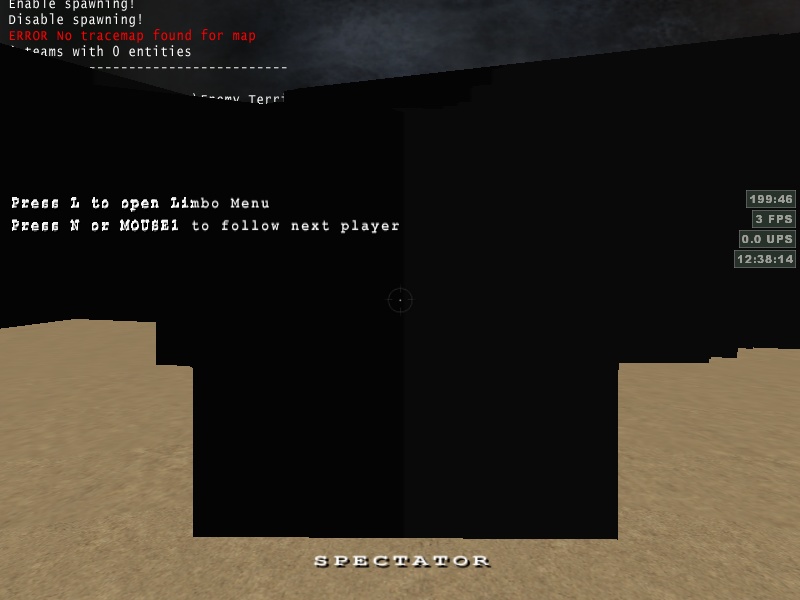
Grey texture get green and purple colors.


(Chruker) #1

Hi

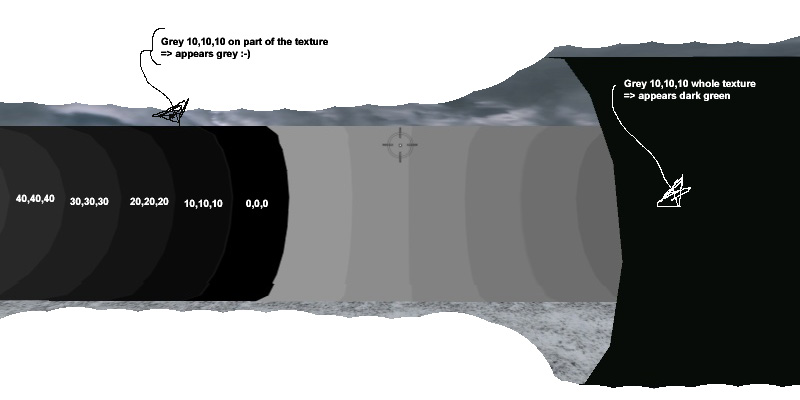
I may have missed something from the texturing 101 class. When I try to make a really dark texture. Either dark grey or blackish, I get a lot of green and purple spots when texture is viewed ingame. Here is an example:

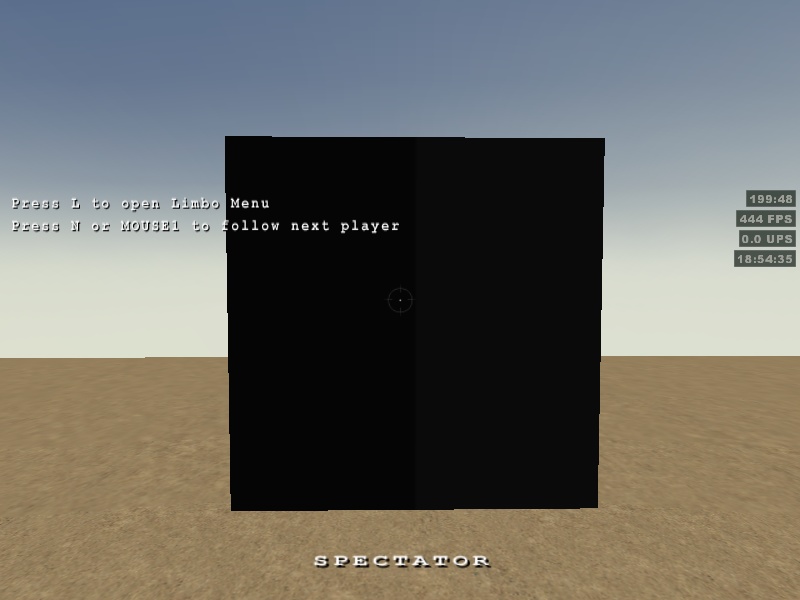
I made this test to see which specific colors that resulted in the spots:

Further tests has shown that 5,5,5 gives me a purple color instead of the dark green one.

I have /r_gamma at 1.8 and the rest of the rendering cvars are at their default values.

Also when I ran the game with texture compression turned on, 4 of the grey values in the scale had green or purple colors.

Can anybody tell me what is going? Or how to make the colors? I’m working my way towards metal painted with black paint.


(FireFly) #2

This is just a (wild) guess: but in the screenshots you used the ‘fueldump’ sky. fueldump is using this line in it’s shader: q3map_lightrgb 0.8 0.9 1.0

So ingame the skylight will emmit this color:

I’m curious if you will get the same purple/green spots when you test this with a custom skyshader but instead of:
q3map_lightrgb 0.8 0.9 1.0
q3map_sun 1 .95 .9 200 210 28

try these : q3map_lightrgb 1 1 1
q3map_sun 1 1 1 200 210 28

However,I’m not sure if q3map_sun actually emmits a color to your map.


(Shaderman) #3

What happens if you compile without light? Are the colors still wrong then?


(eRRoLfLyNN) #4

I get this too, I would love to know an answer. Using siwasky.


(FireFly) #5

@eRRoLfLyNN: Do you happen to know what texture from the stock ET has the same issues? Chruker is using a custom texture and I’d like to run some tests with different skyshaders, using the same (ET) texture…


(Chruker) #6

@ FireFly: I’ve tried changing the parameters but even with all white the spots were there.

@ Shaderman: Its the same result with or without the light compile.

There is another thread in here where someone is having the same problem, however it is on the hud models (the arm and weapons). I have noticed similar things when playing.

I made another test. This time with the texture saved as .jpg - however I got the same result.

This is the actual jpg I used:

It looked like this ingame:
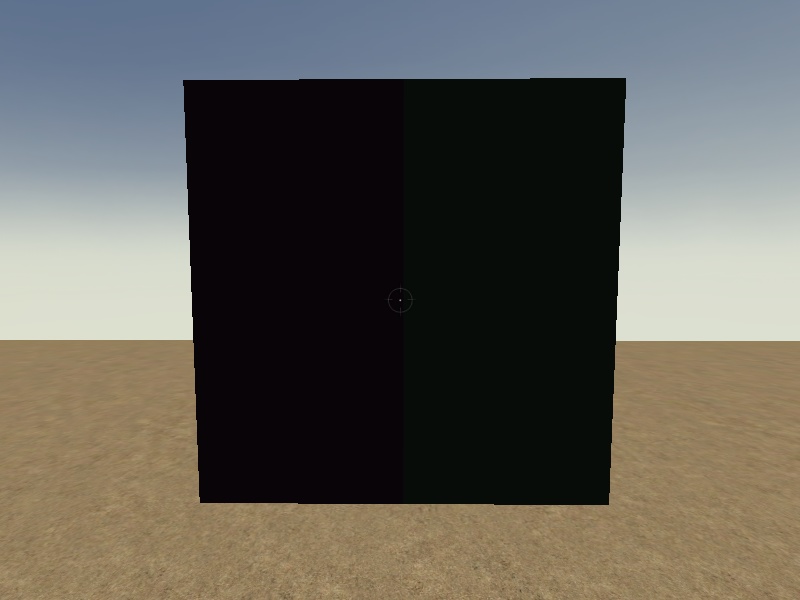
This is its shader:

textures/chruker/mountain_battery/metal1_grey_010
{
	qer_editorimage textures/chruker/mountain_battery/metal1_grey_010.tga
	
	surfaceparm metalsteps

	{
//		map textures/chruker/mountain_battery/metal1_grey_010.tga
		map textures/chruker/mountain_battery/metal1_troublemaker.tga
		rgbGen identity
	}
	{
		map $lightmap
		rgbGen identity
		blendfunc GL_DST_COLOR GL_ZERO
	}
}

And this is the sky shader:


textures/chruker/mountain_battery/sky
{
	qer_editorimage textures/skies_sd/siwa_mask.tga

	nocompress
	q3map_lightimage textures/skies_sd/battery_clouds.tga
	
	q3map_sunExt 0.75 0.70 0.6 160 -60 30 3 16			// <red> <green> <blue> <intensity> <degrees> <elevation> <deviance> <samples>
	q3map_sun 0.75 0.70 0.6 1 -60 30					// Dummy - Used by the sunshader command
	q3map_skylight 100 4								// <amount> <iterations>
	sunshader textures/chruker/mountain_battery/sky_sun
	
	surfaceparm noimpact
	surfaceparm nolightmap
	surfaceparm nodlight
	surfaceparm sky
	
	skyparms textures/skies_sd/wurzburg_env/sky 512 -
 
	{
		fog off
		clampmap textures/skies_sd/siwa_mask.tga
		tcMod scale 0.956 0.956
		tcMod transform 1 0 0 1 -1 -1
		rgbGen identityLighting
	}
}


textures/chruker/mountain_battery/sky_sun
{
	qer_editorimage textures/skies_sd/siwa_mask.tga

	nocompress
	cull none
	q3map_nofog
	
	{
		map textures/skies_sd/siwasun.tga
		blendFunc blend
		rgbGen identityLighting
	}
}

I’ve tried with the q3map_sun and q3map_sunExt set to 1 1 1. I’ve tried disabling the skyparms and q3map_lightimage lines. No matter what the spots and miscoloration was still there.

(SCDS_reyalP) #7

If this shows up without any lighting at all, I’d expect it is a result the q3 lighting model, perhaps amplified by particular setttings. (yes I know that looks contradictory, but it’s not :moo:.)

Settings of interest:
r_intensity
r_overbrightbits
r_mapoverbrightbits
r_colorbits
r_gamma


(Chruker) #8

@ reyalP I think you are correct about that. It feels like an engine quirk. When I tested the different r_ cvars you mention, I think I saw a bit of variation in the intensity of spots. However at the time I thought I was just crazy :slight_smile:

Also, running the game with texture compression, resulted in more grey tones getting greenish or purple-ish.

That makes me wonder if it is somekind of texture compression that gives these blobs. Because:

  • On the 2nd picture, the same grey is green when it covers the whole texture and it appears grey when it only covers about 1/14 of the texture.

BTW my graphics card is a Radeon 9800 Pro. What card do you have eRRolFlynn?


(Chruker) #9

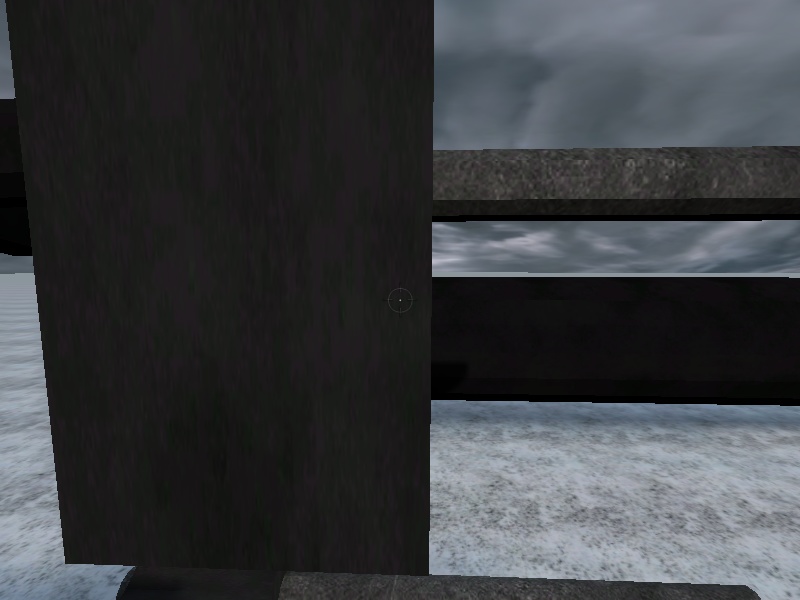
Ok. I thought I would test this with software rendering. I couldn’t get +set r_allowsoftwaregl 1 to switch the game into software rendering, so I resorted to uninstalling the driver. Anyway this is a screenshot taken, when the game ran with software rendering:

So I guess this could be driver / hardware related.

When reinstalling the driver, I downloaded the newest ati driver, but the problem is still there.

If this is a ATI issue, its the last straw. I’m going back to the Nvidia camp…


(Chruker) #10

I’ve been back in the nVidia camp for 5 days now, and this is the screenshot taken with my new Geforce 6600 GT.


As you see the colors are ok. The color spots are also gone on the original texture.