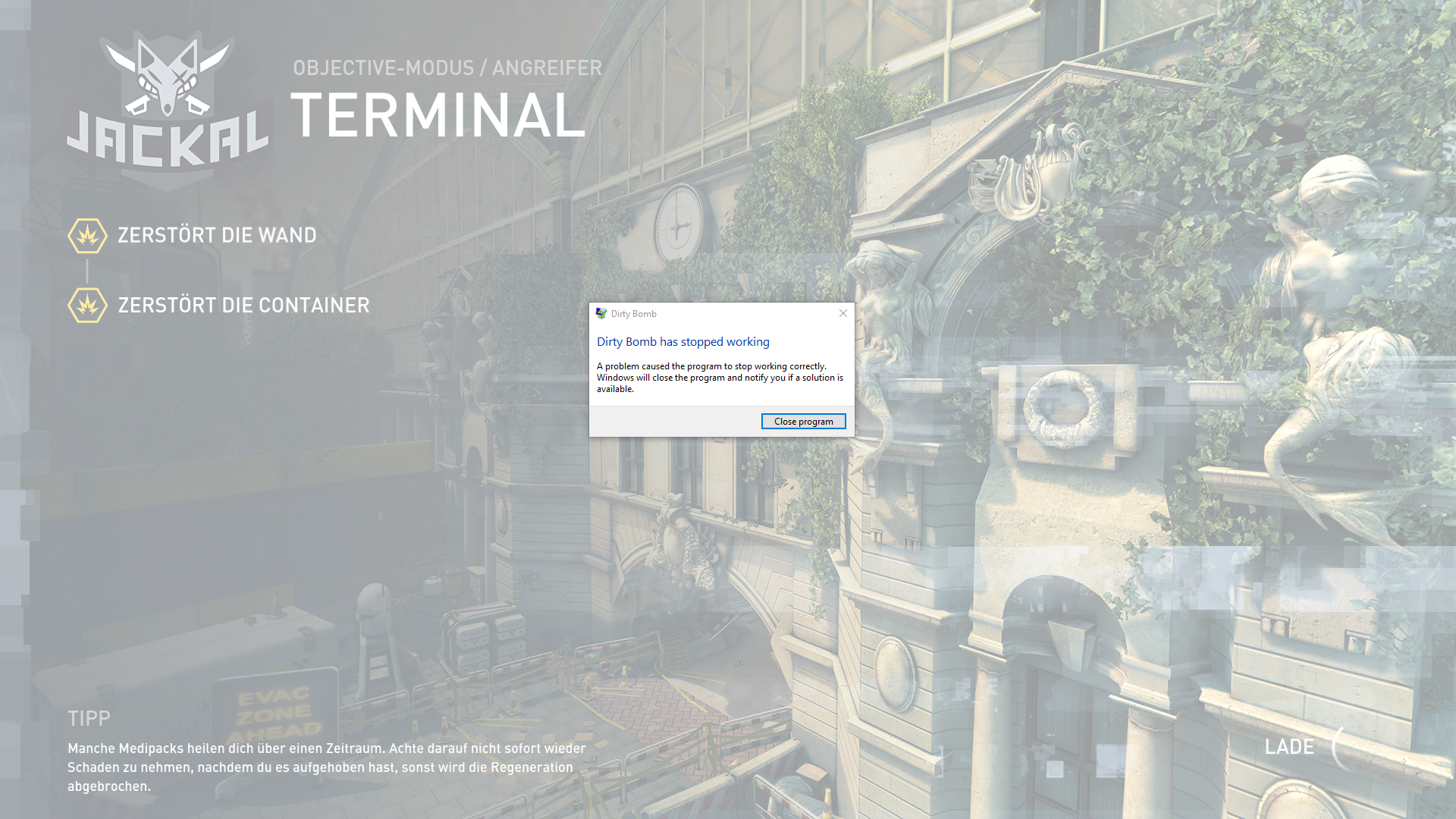
I did play Chapel a few times before in this session, so it’s not the map, and the game was only running for 2~ hours, so it couldn’t have been a memory error. This hasn’t happened before the last update.
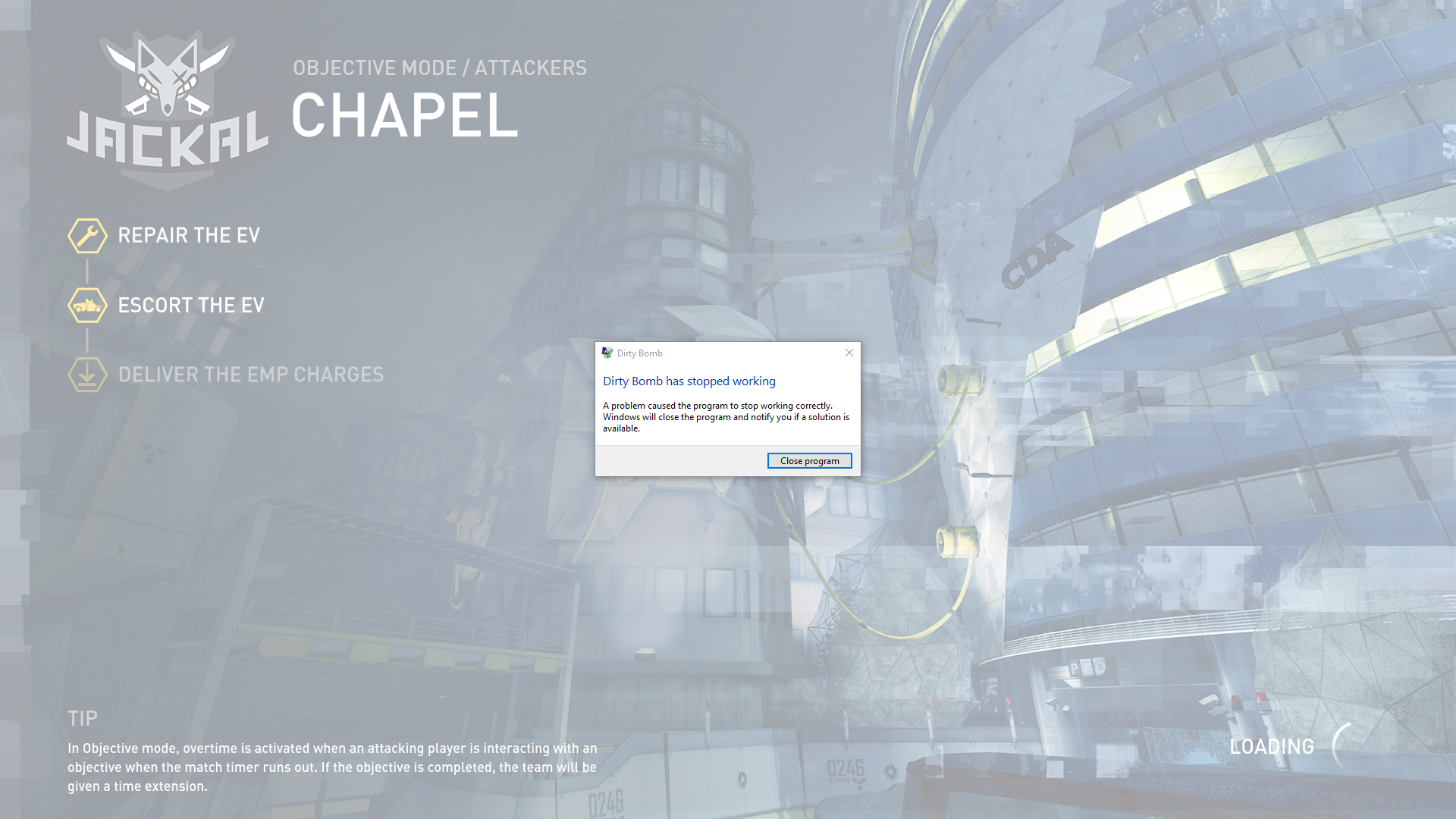

I did play Chapel a few times before in this session, so it’s not the map, and the game was only running for 2~ hours, so it couldn’t have been a memory error. This hasn’t happened before the last update.
Did it happen only once or more than that?
Sometimes every game can crash for special reasons which are bound to rare circumstances coming together. Therefor just because a game crashes once, it doesnt need to mean much.
It only happened the one time since I haven’t had time to play since, but I thought it would be useful to report it here as it’s never done this before.
Small update, yes it is happening repeatedly, with intermissions. The game will be running fine, 60fps 30 ping and then just suddenly crash with this as the error log:
[i]Fatal error!
Address = 0x6d3268b6 (filename not found) [in C:\Program Files (x86)\Steam\steamapps\common\Dirty Bomb\Binaries\Win32 bbmalloc.dll]
Address = 0x405b51 (filename not found) [in C:\Program Files (x86)\Steam\steamapps\common\Dirty Bomb\Binaries\Win32\ShooterGame-Win32-Shipping.exe][/i]
Yes, it returns that 2 files could not be validated but doesn’t redownload them.
Not sure if it’s related but I got the following error log when attempting to load into chapel in singleplayer through the console:
[i]Fatal error!
Address = 0xa57a01 (filename not found) [in C:\Program Files (x86)\Steam\steamapps\common\Dirty Bomb\Binaries\Win32\ShooterGame-Win32-Shipping.exe]
Address = 0x7ca83e (filename not found) [in C:\Program Files (x86)\Steam\steamapps\common\Dirty Bomb\Binaries\Win32\ShooterGame-Win32-Shipping.exe]
Address = 0x1bcbc92 (filename not found) [in C:\Program Files (x86)\Steam\steamapps\common\Dirty Bomb\Binaries\Win32\ShooterGame-Win32-Shipping.exe]
Address = 0xcca986 (filename not found) [in C:\Program Files (x86)\Steam\steamapps\common\Dirty Bomb\Binaries\Win32\ShooterGame-Win32-Shipping.exe]
Address = 0xdfa5e0 (filename not found) [in C:\Program Files (x86)\Steam\steamapps\common\Dirty Bomb\Binaries\Win32\ShooterGame-Win32-Shipping.exe]
Address = 0xeb65a0 (filename not found) [in C:\Program Files (x86)\Steam\steamapps\common\Dirty Bomb\Binaries\Win32\ShooterGame-Win32-Shipping.exe]
Address = 0xde67f7 (filename not found) [in C:\Program Files (x86)\Steam\steamapps\common\Dirty Bomb\Binaries\Win32\ShooterGame-Win32-Shipping.exe]
[/i]
You should try to reinstall the game.
Perhaps something messed up when the update was downloaded.
Did that, still having this happen:
[i]Fatal error!
Address = 0x69df7e53 (filename not found) [in C:\Program Files (x86)\Steam\steamapps\common\Dirty Bomb\Binaries\Win32 bbmalloc.dll]
Address = 0x69df6658 (filename not found) [in C:\Program Files (x86)\Steam\steamapps\common\Dirty Bomb\Binaries\Win32 bbmalloc.dll]
Address = 0x69df65e3 (filename not found) [in C:\Program Files (x86)\Steam\steamapps\common\Dirty Bomb\Binaries\Win32 bbmalloc.dll]
Address = 0x2555f52 (filename not found) [in C:\Program Files (x86)\Steam\steamapps\common\Dirty Bomb\Binaries\Win32\ShooterGame-Win32-Shipping.exe]
Address = 0x25f72d5 (filename not found) [in C:\Program Files (x86)\Steam\steamapps\common\Dirty Bomb\Binaries\Win32\ShooterGame-Win32-Shipping.exe]
Address = 0x69df73a4 (filename not found) [in C:\Program Files (x86)\Steam\steamapps\common\Dirty Bomb\Binaries\Win32 bbmalloc.dll][/i]
Have you thought of recovering your PC to an earlier date?
It restores settings and deletes programs you did not have installed according to the date you choose.
Personal data isn’t touched, though.
Furthermore you can always open a support ticket.
Maybe they can help you more.
I’ve already got two support tickets active and I’m not about to open a third when I’ve been given a copy/paste bot reply for most of the 3-4 weeks they’ve been up.
I’ve got my PC set to automatically make disk backups but I’m not going to restore from any date because I haven’t installed anything for a few months at least, save for updates.
Hmm.
All errors are linked to the Win32 folder.
Try to delete it seperately from the rest and see what happens.
Edit: Looks like you are not alone with this issue.
Just got this one after the last patch.
[i]Fatal error!
memcmp() Address = 0x738a5edd (filename not found) [in C:\WINDOWS\WinSxS\x86_microsoft.vc90.crt_1fc8b3b9a1e18e3b_9.0.30729.9177_none_5093cc7abcb795e9\MSVCR90.dll]
GetOutermost() Address = 0x4c5542 (filename not found) [in C:\Program Files (x86)\Steam\steamapps\common\Dirty Bomb\Binaries\Win32\ShooterGame-Win32-Shipping.exe][/i]
Its happening to me after 3-4 matches, every time, no fix though, removing all launch parameters helped me to change crash at 1-2 matches to 3-4 matches.