
So how did you make the leather? It looks photosourced but I wouldn’t want to be proven otherwise.  If you made it all manually, WOW.
ET - clone wars
Pande
(Pande)
#61
unf4z3d
(unf4z3d)
#62
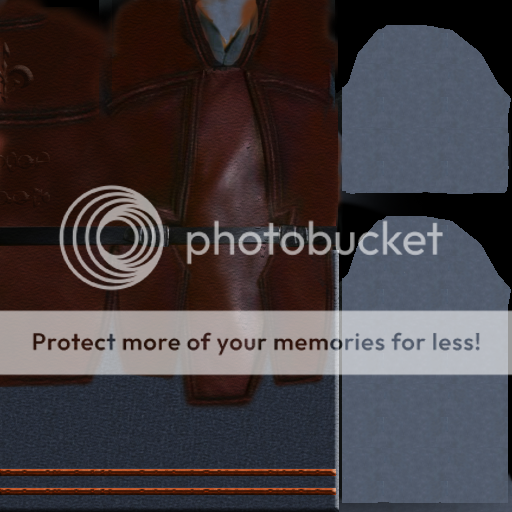
i started out hand making, but it wasn’t very clean, so i just used the ones i found in pictures, and did my best to put ti together as i thought it would look good 
thats why some bits look very similar, havent added any shadowing/light effects except those on the original pictures used to make the leather
then i layeded it over some grainy/fibery leather to add grain, and add a last minute effect for some small wrinkling (very early, will change ti to a realistic wrinkle l8r)
the leather actually came out quite nice in that second pic
edit:
just a mroe realistic graininness applied
unf4z3d
(unf4z3d)
#63
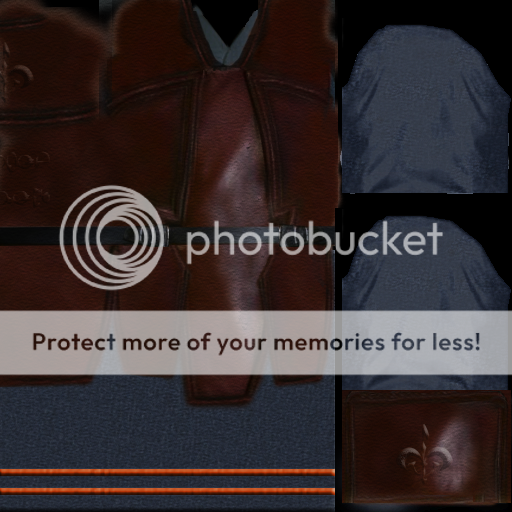
there is a flame thrower in ep2
remember the fett’s little arm flame thrower (ZX miniature flame projector) 
great source for weapons and stuff:
(ah, you said somthing that looked good , this ones a bit hard to make for the game )
unf4z3d
(unf4z3d)
#65
G’night all
had to pull the leather at the bottom up, it was too low in ET
also the bottom deforms poorly :\ needs work, or, if possible, to make the flaps actual 3d objects, would make it nicer/more accurate
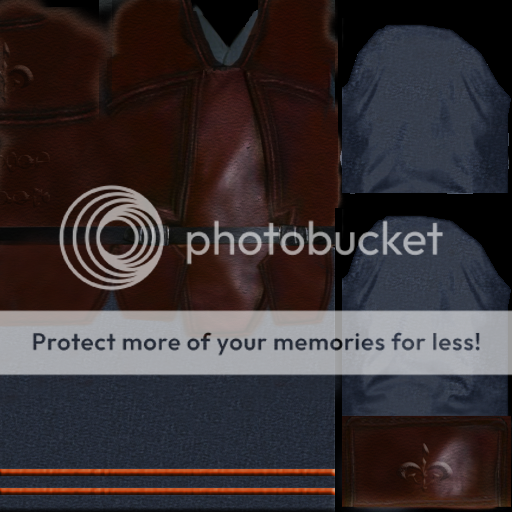
also made a start on the face and helmet, but im lazy to ss and save them now XD
G’night

unf4z3d
(unf4z3d)
#68
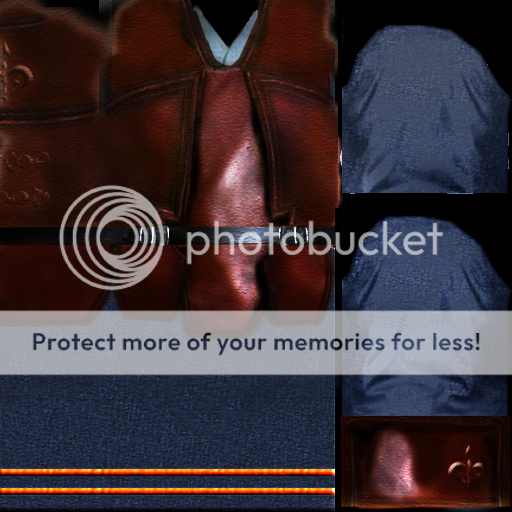
more shadows and highlights, shrunk symbol on wristggaurd thingy
edit: didn’t turn out as well as i thought they would :\
gunna try again
ischbinz
(ischbinz)
#69
yes i fully agree -
looks really nice!
but -
i don t use the normal playermodels now i the mod - every model is a custom model 
but for this nice uniform - we could add it for axis/clonetroopers side!
really nice!
unf4z3d
(unf4z3d)
#70
it would look nicer on a custom model if you care to make it, i will transplant my texture onto it
Pande
(Pande)
#72
that shouldnt be for Axis side, as the naboo soliders were republic. Also, they have nothing to do with clonetroopers.
unf4z3d
(unf4z3d)
#73
oh, i was just going by the suggesions on front page
if you use it, use it as w/e u want
also, i made a helmet, it looks ok, its not very curved, cause i used the original helmet to preserve urv map (uv mapping kills me)
and i made panaka face (neck isn;'t barely touched tho

unf4z3d
(unf4z3d)
#75
the face?
thats the ET face overlayed with panakas face :\
same res
also, u ce nsee that the ear is very fail atm
didn’t bother blending it in much
unf4z3d
(unf4z3d)
#76
lol, somehow after using the patch tool on things for 5 hours they look good
i just constantly sample one piece for color, then sample tons of different pics to get texture back into the picture
oh, and plz add me on xfire or msn
unf4z3d
(unf4z3d)
#77
how does physique modification work in lightray?
is the physique recreated from the mdm/mdx files?
do you re-physique each model?
do your models now have LOD using the q3model tool?
ischbinz
(ischbinz)
#78
well lightray is a little bit strange software, i think - but if you found out how it works - its quite okay.
i explain you how i make my models:
- import a et model into lightray mdm+mdx
[im]http://www.ischbinz.de/splashdamage/skel.JPG[/img] - goto frame 4037 - and delete all other frames
- export it to milkshape
- open the file in milkshape - create your model - you can see the needed size with the other model
- create the uv map
- create the texture
- open your model in lightray
- import the same model to lightray you used in step 1 mdm+mdx
- delete the skin of the model you loaded in step 8
- goto frame 4037
- select a model part - maybe a leg
- convert mesh to skin

- bind skin
- add root bone (simple way - you can choose the bones seperate too)
- add your root bone

- show the movements - just go to another frame
- if the movement is not okay - edit verticles and bind them to the needed bone
- export it to mdm - mdx is not needed we use the ones of ET
- open the model in et model tool and add the LOD
- finish - create a pk3 and test you model

![http://www.ischbinz.de/splashdamage/skel.JPG[/img]](http://www.ischbinz.de/splashdamage/skel.JPG%5B/img%5D)
importand - alway modify the binds of the skin on the frame you used - 4037
otherwise your work will go crap
about the LOD in et-model tool -
yes. i started to learn how to make playermodels in january
after i got the 1st working model C and myself found out that the models are flipping out in distance -
and C added this option to his nice powerful tool!
[again thx!]
hope that helped
p.s. for playermodels you have the same limitations as for other models!
unf4z3d
(unf4z3d)
#79
damn
you get to keep the bone structure with lightray, in 3ds Max to even get the mds to convert you have to have a physique made which remakes the bone structure :\
well, nice, and if you do want to make a custom model for the covert ops texture i made, it would probably be a lot easier for you, so I wont even take a stab at it
also, if you want i can try to improve some of your other textures
ischbinz
(ischbinz)
#80
i think i ll use a standard model for you texture - you made it for that
a new model can be done later
if you really want to improve my primitive textures - nice!!!